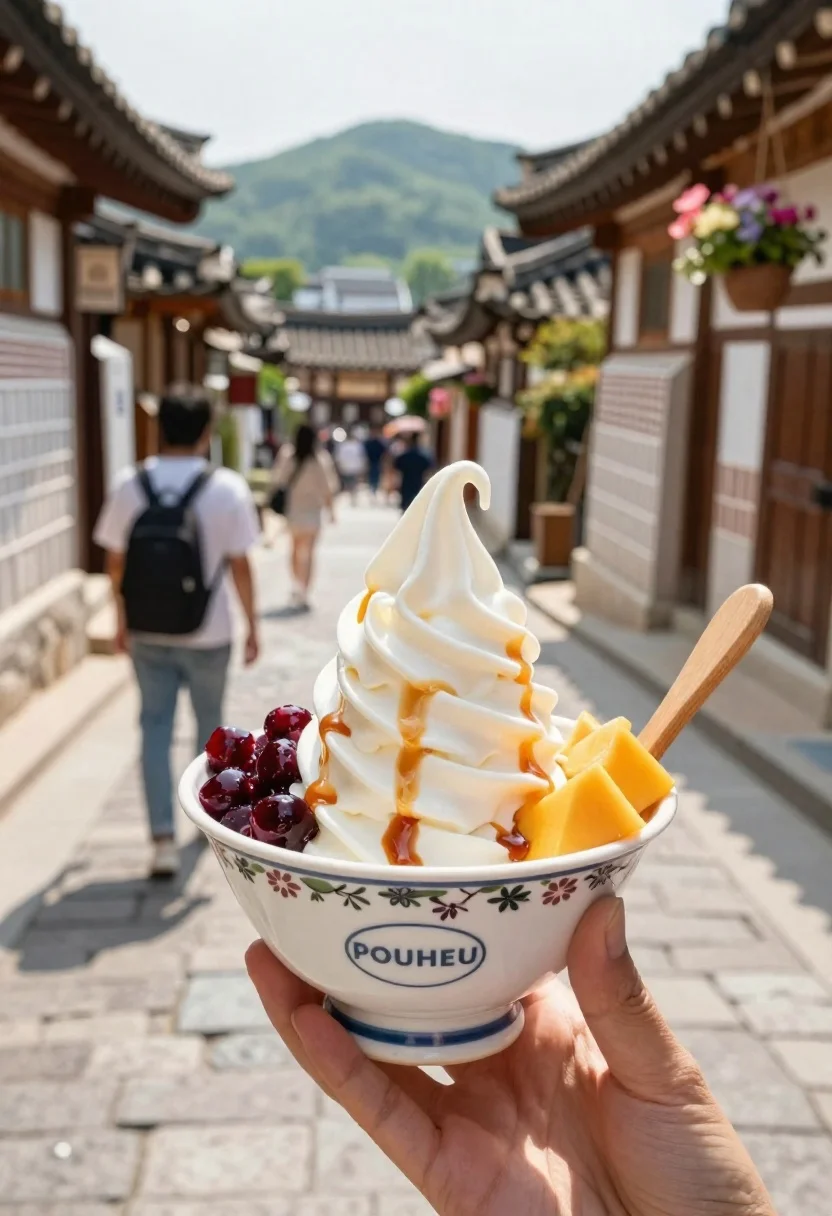
Hand holding soft serve in korean village alleyway
Prompt
A close-up shot of a hand holding a bowl of soft serve ice cream topped with caramel sauce and fruit in a traditional Korean street setting

Subject: A large swirl of creamy white soft serve ice cream, drizzled with amber caramel syrup and garnished with diced red berries and mango chunks.

Clothing: The ceramic serving bowl features a floral pattern around the rim and an oval logo near the base reading 'POUHEU'; wooden handles are inserted into each side for eating.

Action: A person's hand holds the dessert in front of them, centered within the frame; blurred pedestrians walk down the narrow stone-paved alleyway behind the bowl.

Environment: The scene is a traditional Korean Hanok village with dark tiled roofs and hanging flower baskets visible on either side, leading toward distant green hills under bright sunlight.

Lighting: Bright natural daylight from above creates soft shadows in the street and highlights the glossy texture of the ice cream; warm tones dominate due to direct sun exposure.

Camera: Shallow depth-of-field blurs the background while keeping the foreground dessert sharply focused for an appetizing, intimate perspective.
Description
This prompt is useful for creating travel food blogs, cultural lifestyle editorials, and menu mockups emphasizing local flavor. The combination of 'shallow depth-of-field' focusing on the dessert against a blurred background while using 'bright natural daylight from above' ensures the soft serve remains appetizingly sharp, contrasting with the rich textures suggested by the 'traditional Korean Hanok village'.
Suggestions
- Change 'diced red berries' to 'passion fruit pulp' for more vibrant color.
- Swap 'amber caramel syrup' for 'toasted sesame drizzle' for a unique flavor profile.
- Adjust 'bright natural daylight from above' to 'overcast soft light' for less harsh shadows.
Category
Tags
AlleyClose UpFoodMacro ShotStreetTraditional Wear
Date added
June 19, 2026
Added by
PromptDexter Team
Related Prompts
More prompts with similar categories and tags.
Young woman in red outfit taking selfie with glazed strawberries on street
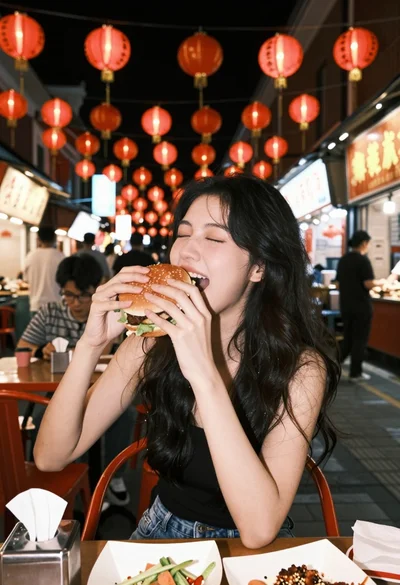
Young woman eating large burger at vibrant night market table setting
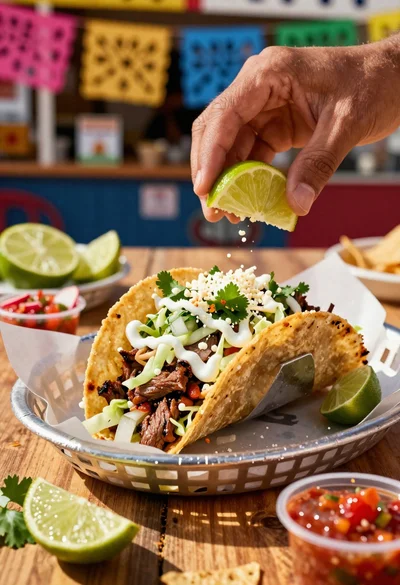
Close up of loaded street tacos with fresh mexican flavors
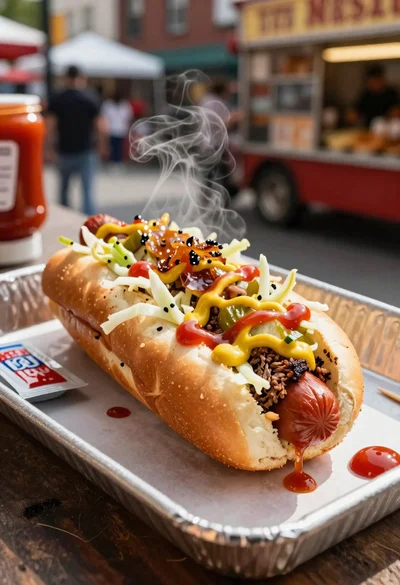
Close up of loaded hotdog with slaw mustard ketchup and onions
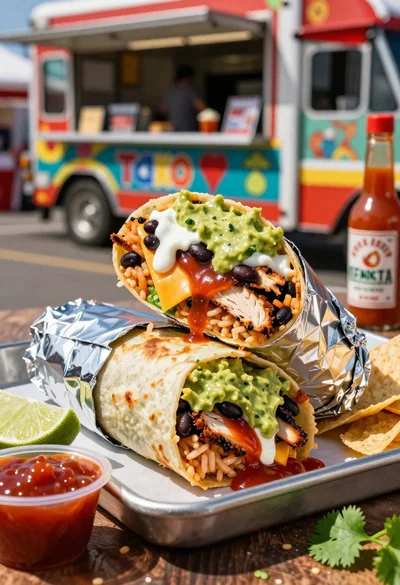
Close up of massive cross cut burrito with colorful tex mex fillings
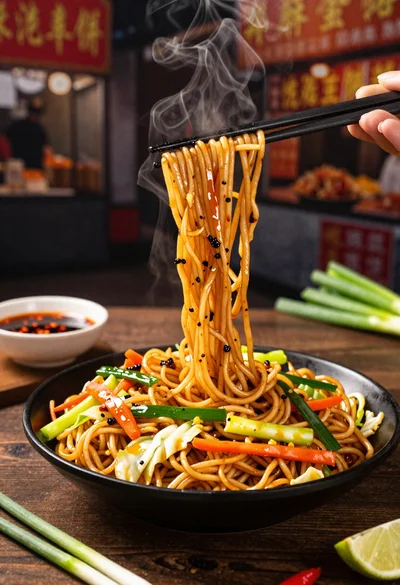
Close up shot of sizzling hakka noodles being lifted with chopsticks
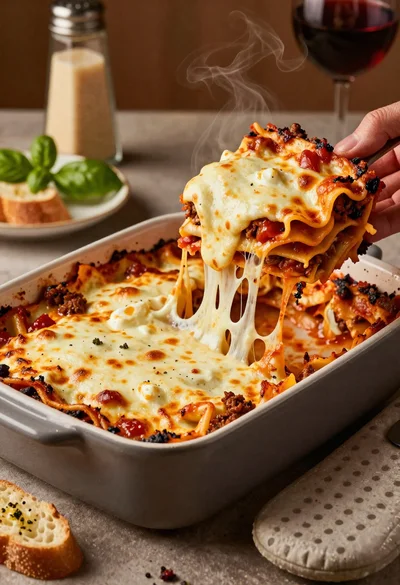
Close up of cheesy lasagna pull on rustic italian kitchen table

Ginger cat dressed as fast food worker holding cheeseburger