
Stylized christmas tree made of luxury gucci fashion items and ornaments
Prompt
A stylized Christmas tree composed entirely of luxury fashion items and holiday decorations floating against a deep green background.

Subject: A conical arrangement of Gucci branded coffee cups, handbags, gift boxes, and festive ornaments stacked to form the shape of a Christmas tree.

Clothing: The composition features various Gucci products including red leather handbags with gold hardware, beige monogrammed paper bags, and branded coffee cups with brown sleeves.

Action: The items are arranged in a static, floating formation that mimics the silhouette of a traditional pine tree, with ribbons spiraling around the structure.

Environment: A solid, dark green gradient background that fades to black at the edges, creating a spotlight effect on the central subject.

Camera: Centered medium shot with a shallow depth of field focusing sharply on the middle layers of the arrangement while softening the top and bottom edges.

Lighting: Soft studio lighting from the front and slightly above, casting gentle shadows within the crevices between items to emphasize texture and three-dimensional form.

Subject: A glowing golden Gucci double G logo floats directly above the tree as a star topper.

Objects: The tree is decorated with pinecones, red and green satin ribbons, gingerbread cookies shaped like bees and stars, and spherical ornaments featuring the brand logo.

Text/Graphics: The phrase "Merry Christmas" appears in elegant gold serif typography at the bottom of the frame.

Style Details: High-end commercial 3D render with hyper-realistic textures, glossy finishes on leather and paper, and a sophisticated holiday color palette dominated by forest green, red, and gold.
Description
This prompt is useful for creating high-end retail advertising mockups, luxury brand seasonal campaigns, and editorial product showcases for department stores. The combination of 'hyper-realistic textures' on the leather and paper, coupled with the 'soft studio lighting from the front and slightly above,' ensures that every branded element retains visible detail rather than merging into a flat mass, which is crucial for conveying expensive material quality.
Suggestions
- Change 'deep green background' to 'velvet curtain backdrop' for richer depth.
- Swap 'red leather handbags' for 'black patent leather goods' for a more dramatic contrast.
- Adjust the lighting by adding 'rim light from the back-right' to separate the floating elements further.
Category
Tags
3dStudio
Date added
August 5, 2026
Added by
PromptDexter Team
Related Prompts
More prompts with similar categories and tags.
Futuristic running shoe on a split color surface
White puffer jacket displayed on a dark gray background
Black jar of clay mask with swirling white cream
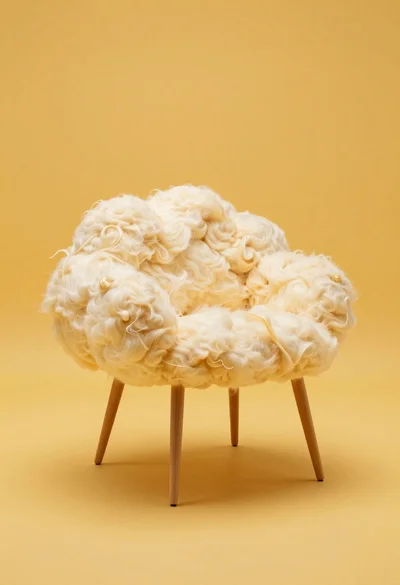
Cloud shaped chair on a yellow background
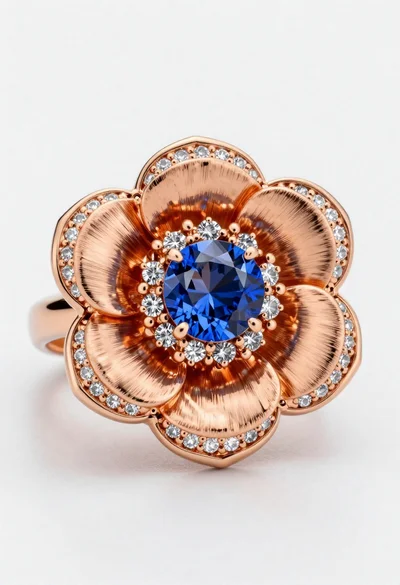
Macro shot of a floral ring with blue sapphire
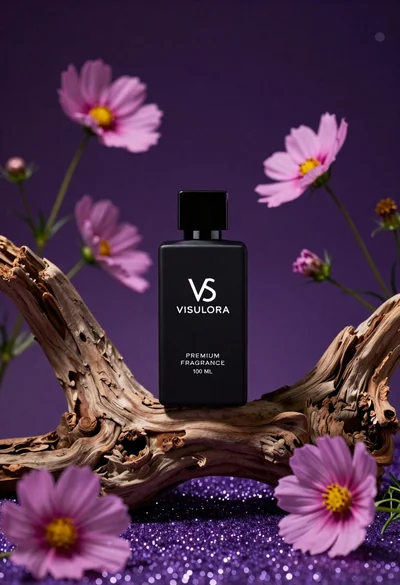
Black perfume bottle on driftwood surrounded by pink cosmos flowers in purple
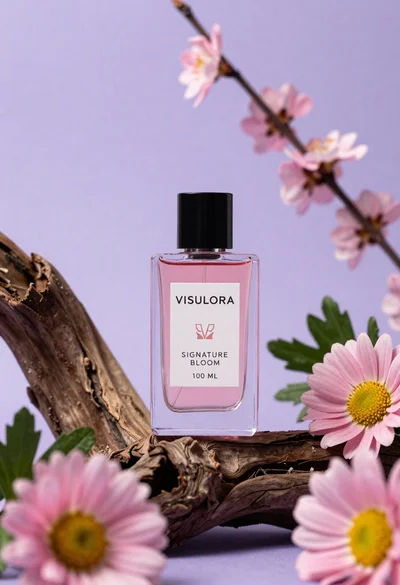
Clear glass perfume bottle on driftwood surrounded by pink daisies
Collectible doll figure displayed in clear packaging box with accessories
Collectible figure doll packaging displaying woman in white top and lavender skirt
Product shot of light blue body wash bottle with lemons on wet