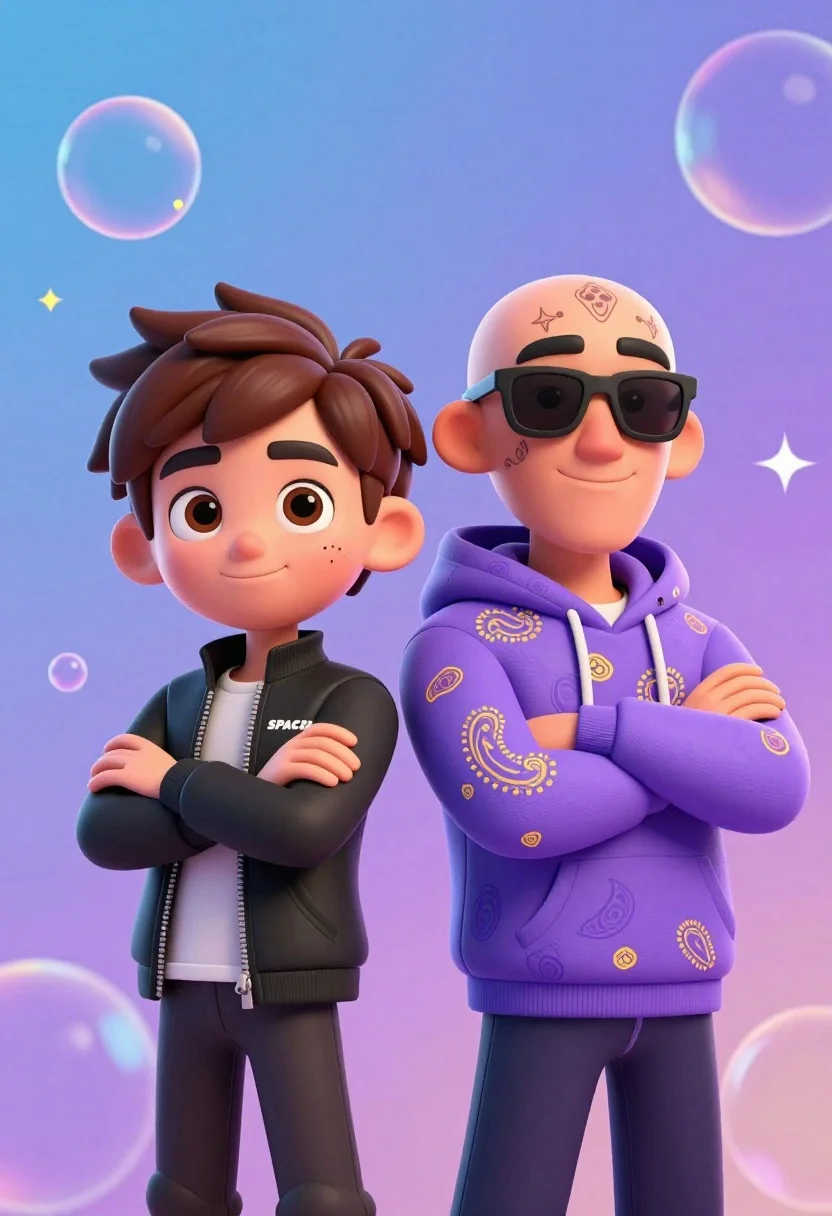
Two stylized animated male characters standing side by side against colorful gradient
Prompt
Two stylized 3D animated male characters stand side by side with their arms crossed against a colorful gradient background filled with floating bubbles and stars.

Subject: A cartoon-style boy with brown spiky hair and large expressive eyes stands on the left, while a bald man wearing black sunglasses and facial tattoos stands on the right.

Clothing: The boy wears a black zip-up jacket with "SPACEX" text on the chest and dark pants; the man wears a purple hoodie with gold paisley patterns and dark pants.

Action: Both characters stand confidently with arms crossed, smiling gently at the viewer.

Environment: A vibrant gradient background transitioning from blue to purple, decorated with translucent bubbles and faint star shapes floating in the air.

Camera: Medium shot capturing both subjects from the waist up, centered composition with soft depth of field blurring the background slightly.

Lighting: Soft studio lighting illuminates the characters evenly, creating gentle highlights on their skin and clothing without harsh shadows.

Style Details: 3D rendered animation style with smooth textures, vibrant colors, and a playful, polished aesthetic reminiscent of high-quality digital character art.
Description
This prompt is useful for creating promotional merchandise mockups, animated web banners, and stylized character concept sheets. The combination of 'soft studio lighting' with the 'vibrant gradient background' ensures that the characters are clearly visible while the playful elements like floating bubbles maintain visual interest without distracting from the subjects' confident poses.
Suggestions
- Change 'colorful gradient background' to 'neon vaporwave gradient' for a more retro feel.
- Swap 'black zip-up jacket' for 'oversized graphic hoodie' to update the streetwear look.
- Adjust 'soft depth of field' to 'shallow depth of field' for stronger subject isolation.
Category
Tags
3dBrown HairFull BodyMaleMedium ShotStreetwearStudio
Date added
July 12, 2026
Added by
PromptDexter Team
Related Prompts
More prompts with similar categories and tags.
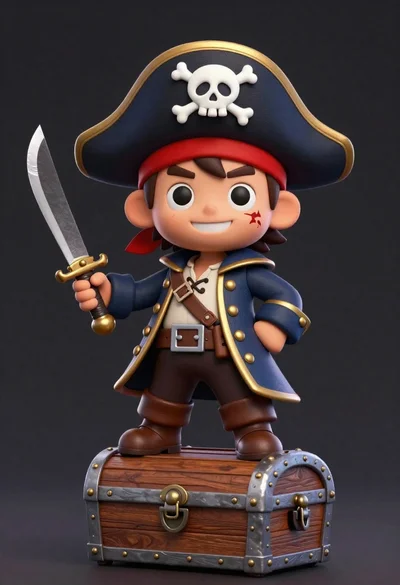
Cheerful chibi pirate character standing on treasure chest in studio
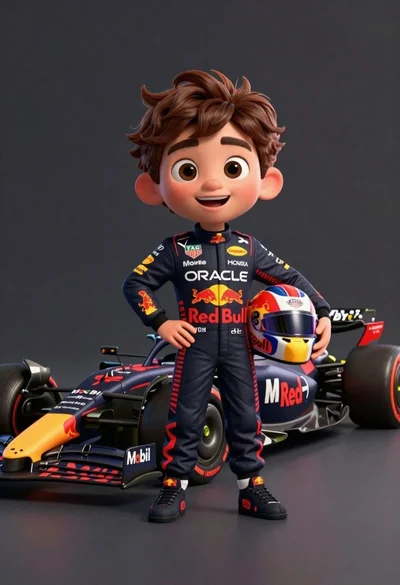
Cheerful cartoon boy in racing suit standing next to formula one car
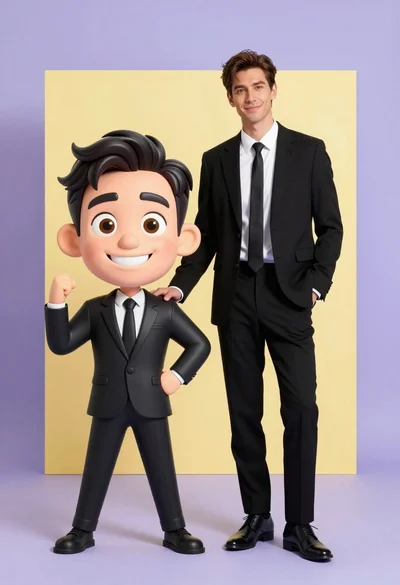
Photorealistic man next to large caricature in black suits studio setting
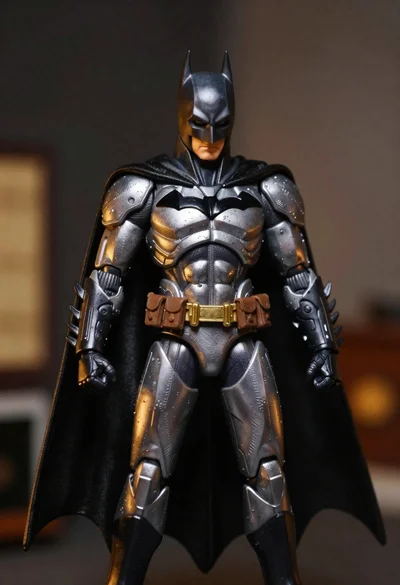
Batman action figure in silver and gold armor
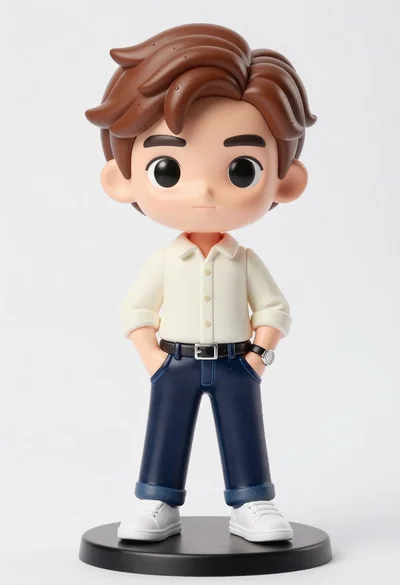
Vinyl figure of young man in cream shirt and jeans
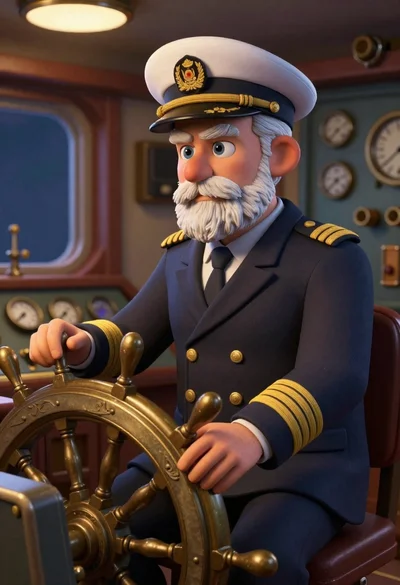
Sculpted illustration of an elderly captain at a ships helm
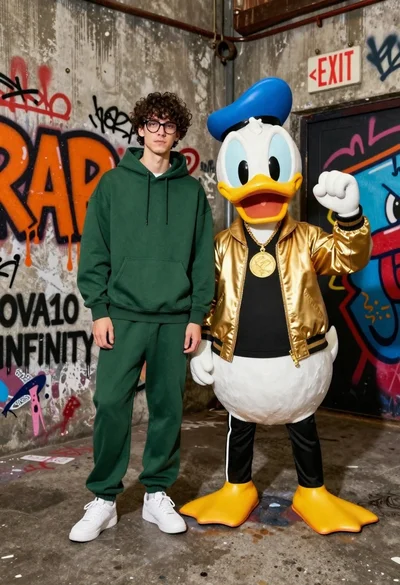
Young man in hoodie next to donald duck mascot in graffiti alleyway
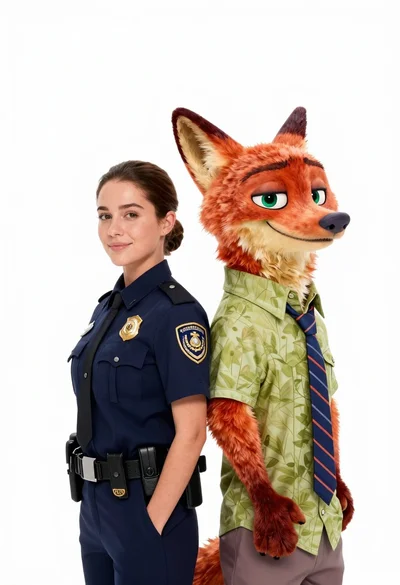
Woman in police uniform stands with fox wearing shirt against white studio
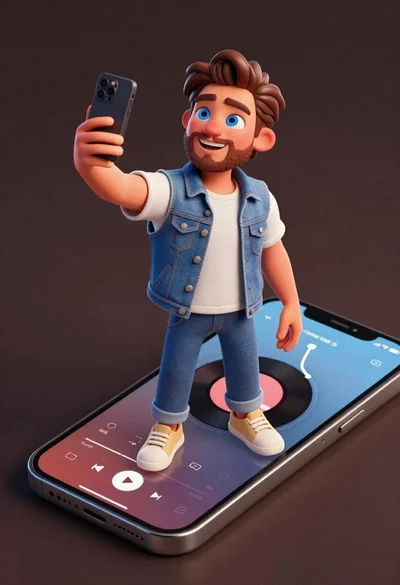
Cheerful young man taking selfie while standing on giant smartphone screen
Cheerful young boy in colorful puzzle sweater standing against blue background