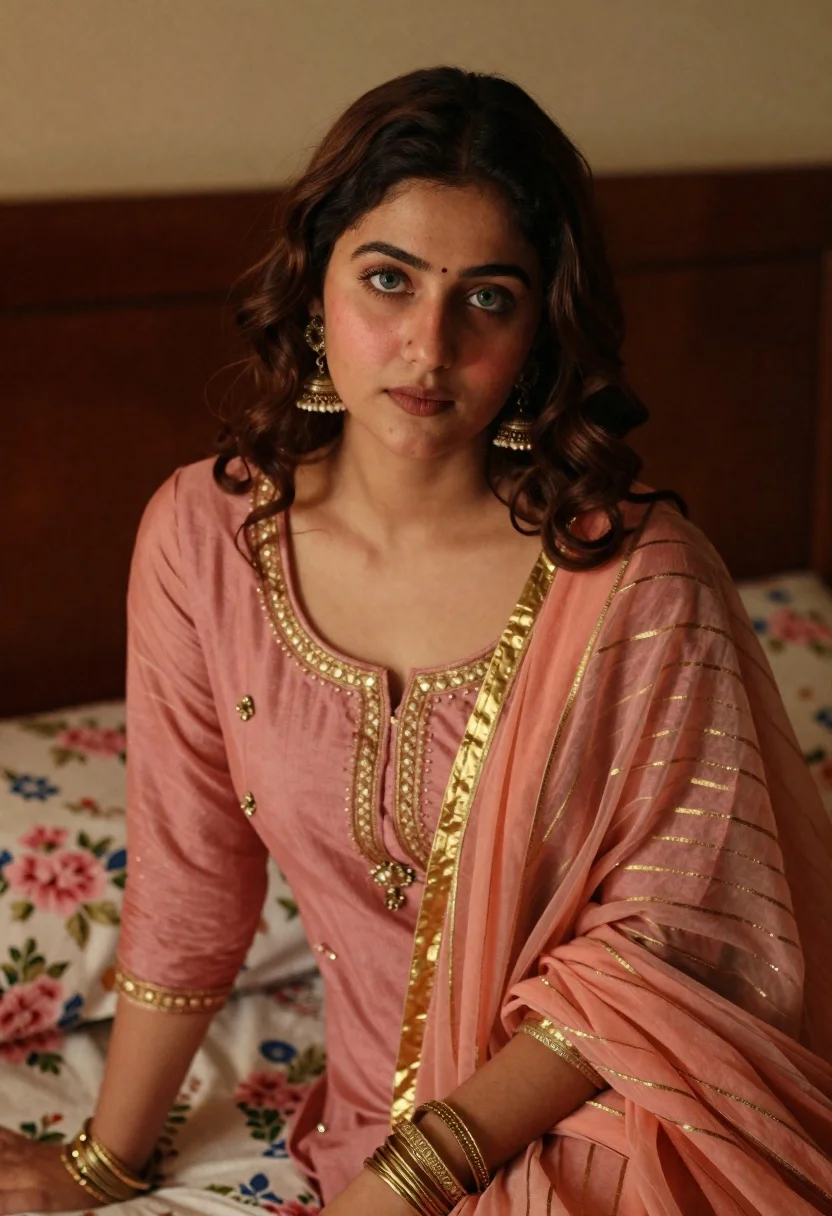
Young woman with wavy brown hair in traditional attire sitting indoors
Prompt
A young woman with wavy brown hair gazes directly at the camera with a soft, neutral expression.

Subject: A young woman with shoulder-length wavy brown hair and striking green eyes. She has fair skin with a natural flush on her cheeks and is wearing subtle makeup that highlights her features.

Clothing: She wears a dusty rose-colored traditional outfit featuring a sheer peach dupatta draped over her shoulders, adorned with delicate gold horizontal stripes. Her attire includes intricate gold embroidery around the neckline and cuffs, complemented by multiple gold bangles on her wrist and large ornate gold jhumka earrings.

Action: She is seated in a relaxed pose, leaning slightly forward with her arms resting near her lap, looking directly into the lens with a calm demeanor.

Environment: The setting appears to be an intimate indoor space, likely a bedroom, featuring a dark wooden headboard behind her and floral-patterned bedding with pink and blue flowers visible beneath her.

Lighting: Soft, warm lighting illuminates her face from the front, creating gentle highlights on her skin and casting subtle shadows that add depth to her features while maintaining a cozy atmosphere.

Camera: The shot is framed as a medium close-up, capturing her upper body and face with a shallow depth of field that keeps her sharply in focus while softly blurring the background elements.

Style Details: The image exhibits a cinematic portrait quality with rich color grading, smooth skin texture, and a slightly grainy film-like aesthetic that enhances the emotional warmth of the scene.
Description
This prompt is useful for creating editorial beauty portraits, cultural fashion features, and intimate character studies requiring a sense of nostalgia. The combination of 'soft, warm lighting' with a 'shallow depth of field' ensures that the subject's face remains the primary focal point while the visible details like the 'delicate gold horizontal stripes' on the dupatta are rendered clearly against the softly blurred background elements.
Suggestions
- Change 'dusty rose-colored' to 'deep emerald green' for a richer contrast.
- Swap 'floral-patterned bedding' for 'solid velvet upholstery' to simplify the background.
- Adjust 'soft, warm lighting' to 'rim light from the side' to add more drama.
Category
Tags
Brown HairClose UpFair SkinFemaleIndoorsMedium ShotRealisticTraditional Wear
Date added
June 21, 2026
Added by
PromptDexter Team
Related Prompts
More prompts with similar categories and tags.
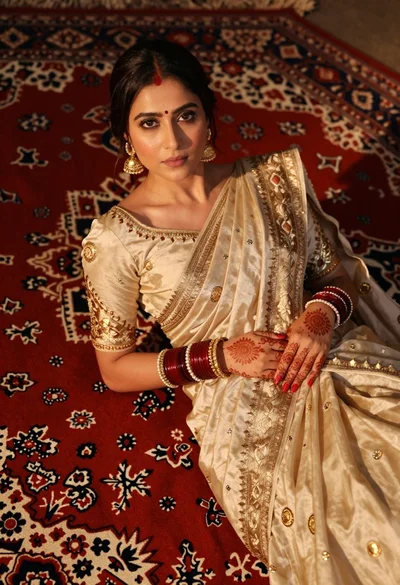
Indian woman in cream silk saree reclining on ornate red patterned rug

Young woman in red top sitting at cafe table during christmas
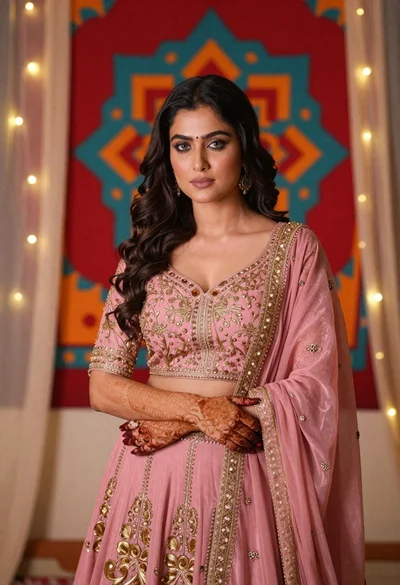
Woman in pink embroidered lehenga standing before a colorful mandala tapestry
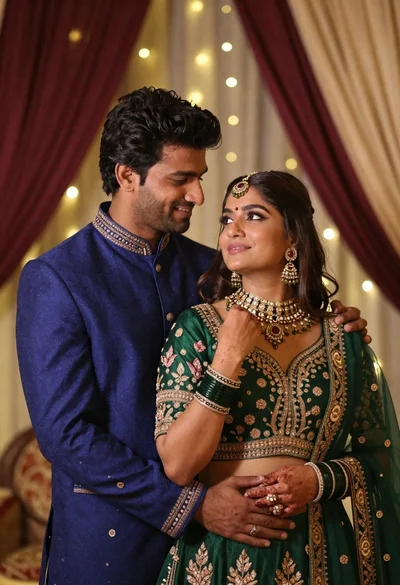
Indian couple in traditional wedding attire posing together in festive indoor setting
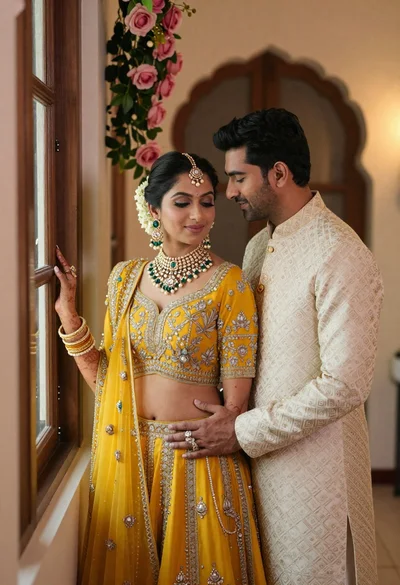
Indian couple in traditional wedding attire posing near a wooden window
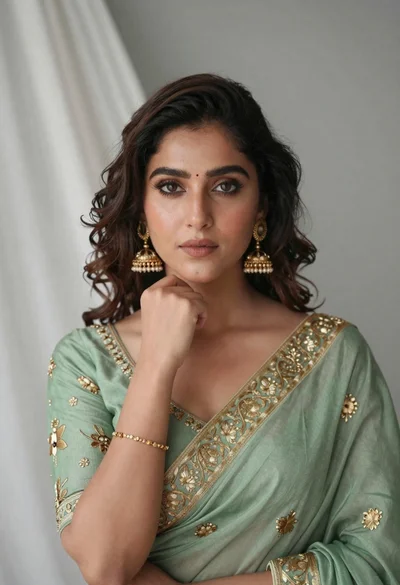
Portrait of young woman in sage green saree with gold embroidery
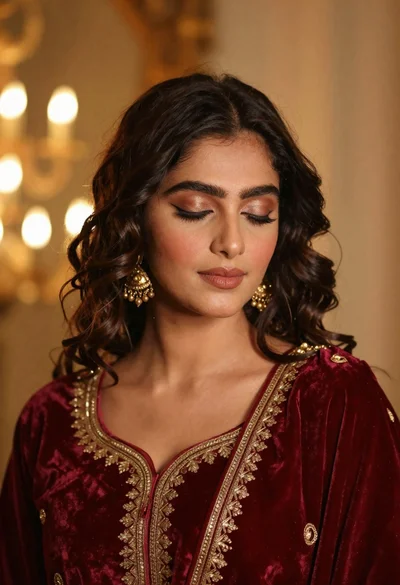
Portrait of young woman in red velvet dress with gold jewelry
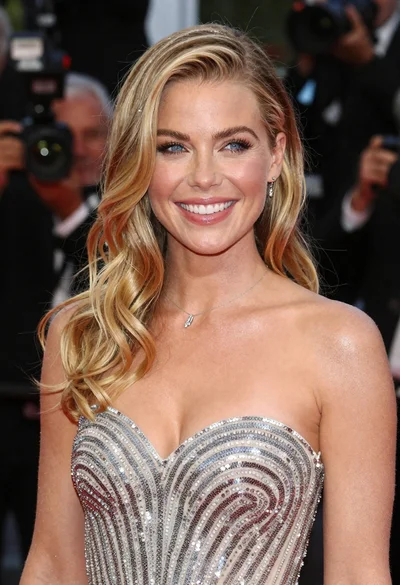
Close up portrait of smiling blonde woman in silver sequin gown