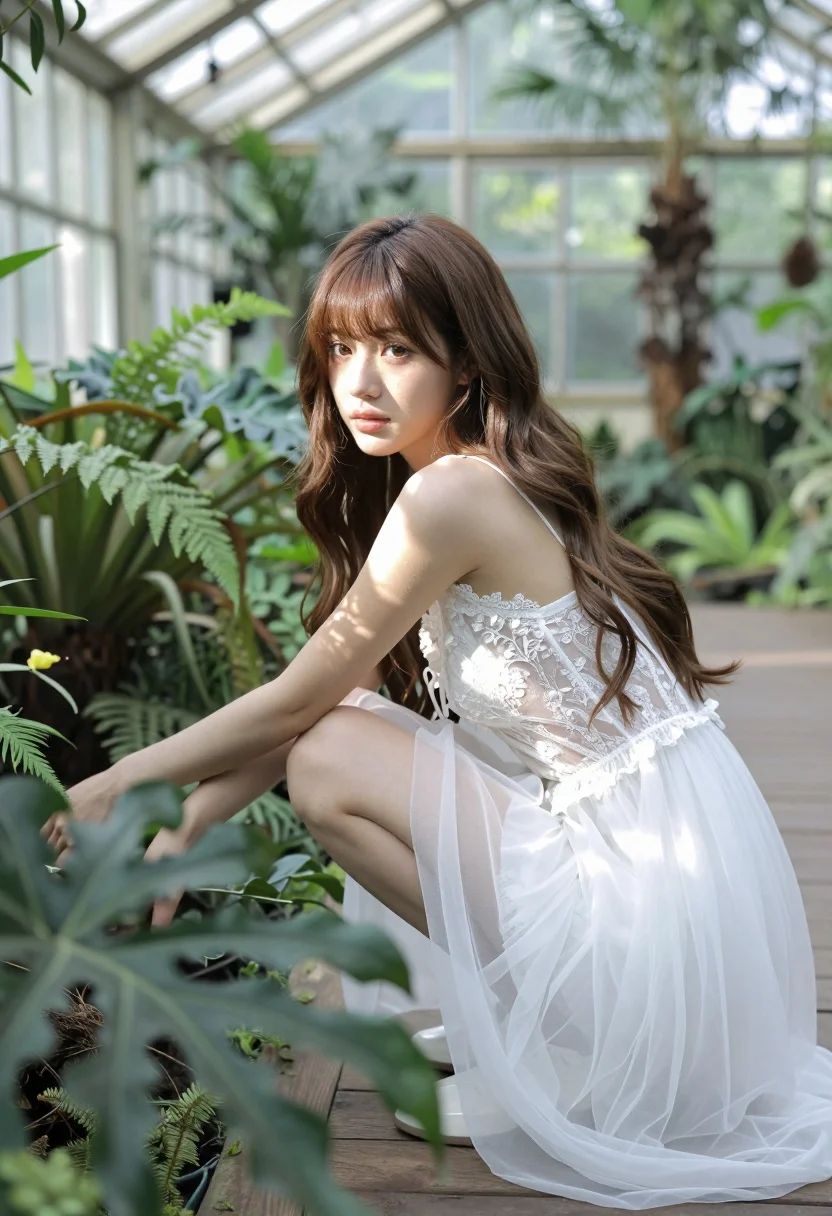
Young woman in white lace slip dress crouching in lush greenhouse garden
Prompt
A young woman with long brown hair and bangs crouches in a lush greenhouse garden.

Subject: A young woman with fair skin, long wavy brown hair, and straight bangs framing her face. She has a soft, natural makeup look with defined eyes and lips.

Clothing: She wears a delicate white lace slip dress featuring thin spaghetti straps, intricate floral embroidery on the bodice, and a sheer, flowing skirt made of tulle or organza fabric.

Action: The woman is crouching low to the ground, leaning slightly forward with her left arm extended towards a plant in the foreground. She looks back over her shoulder directly at the camera with a calm, gentle expression.

Environment: The setting is a vibrant greenhouse filled with dense green foliage, ferns, and various tropical plants. Wooden planks form the floor beneath her feet.

Camera: The shot is taken from a low angle looking slightly up at the subject, utilizing a shallow depth of field that blurs the foreground leaves and background structures to focus attention on her.

Lighting: Soft, natural sunlight filters through the glass roof and surrounding plants, creating a bright, airy atmosphere with dappled light patterns on her skin and dress.

Style Details: The image has a soft-focus, dreamy aesthetic typical of high-end fashion photography or digital art, emphasizing ethereal beauty and natural elegance.
Description
This prompt is useful for creating editorial fashion moodboards, romantic portraiture for bridal campaigns, and atmospheric concept art pieces. The combination of 'soft, natural sunlight' filtering through the glass roof and the 'delicate white lace slip dress' establishes an ethereal quality that complements the low angle and shallow depth of field, ensuring the subject remains the focal point amidst the dense green foliage.
Suggestions
- Change 'tulle or organza fabric' to 'silk chiffon' for a different drape.
- Adjust 'soft, natural sunlight' to 'overcast diffused light' for less contrast.
- Swap 'low angle looking slightly up' to 'eye-level portrait' for a more direct connection.
Category
Tags
Brown HairCasual WearFair SkinFemaleLow AngleOutdoorsPortrait ShotRealistic
Date added
August 5, 2026
Added by
PromptDexter Team
Related Prompts
More prompts with similar categories and tags.
Fair blonde woman in red dress and floral jacket indoors
Woman in art deco gown on fire escape looking back over shoulder

Woman in green satin slip dress standing in sunlit elegant interior room

Woman in brown corduroy sitting in golden dry grass at sunset
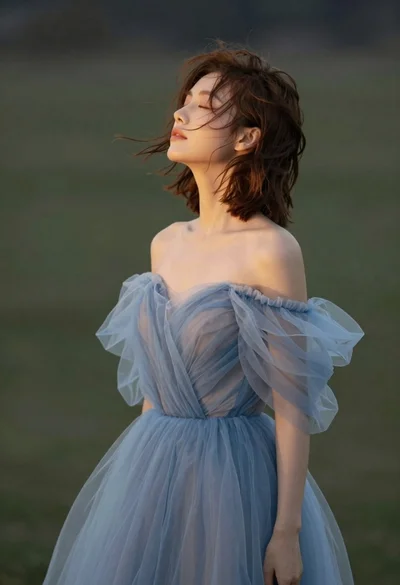
Young woman in blue tulle gown standing with eyes closed in wind
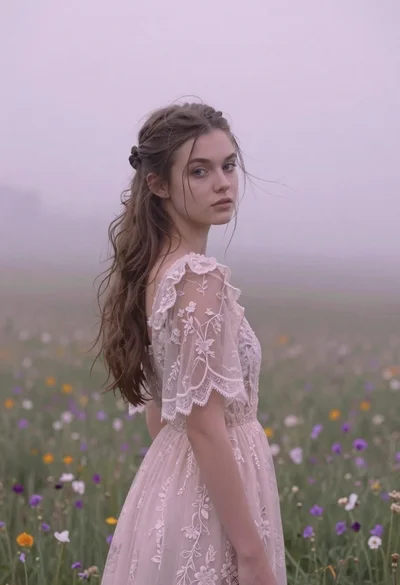
Young woman in pink lace gown standing in misty wildflower field
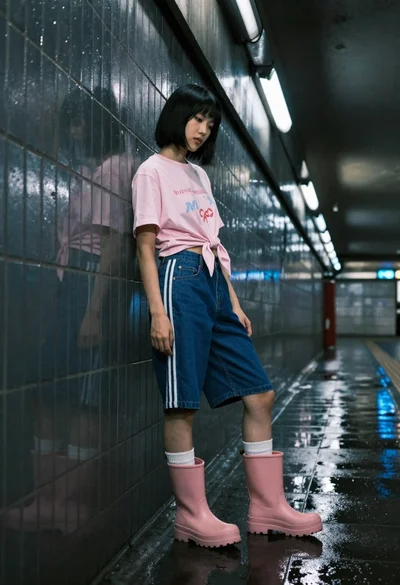
Young woman in pink tshirt and rain boots standing in a dimly
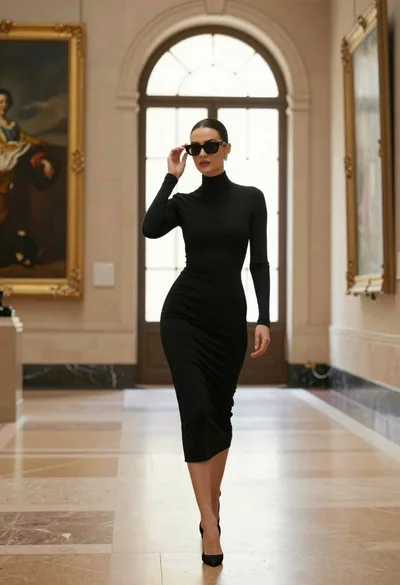
Confident woman in black dress walks through elegant museum hallway adjusting sunglasses
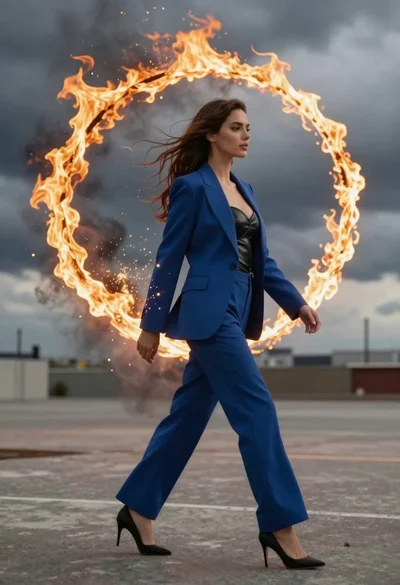
Young woman in blue blazer walking forward in profile against a ring
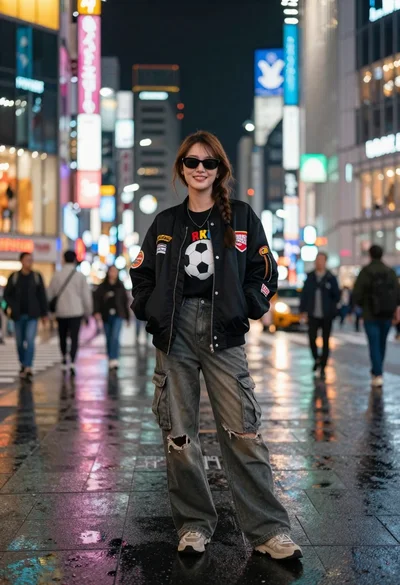
Young woman in black bomber jacket stands on a busy city street
