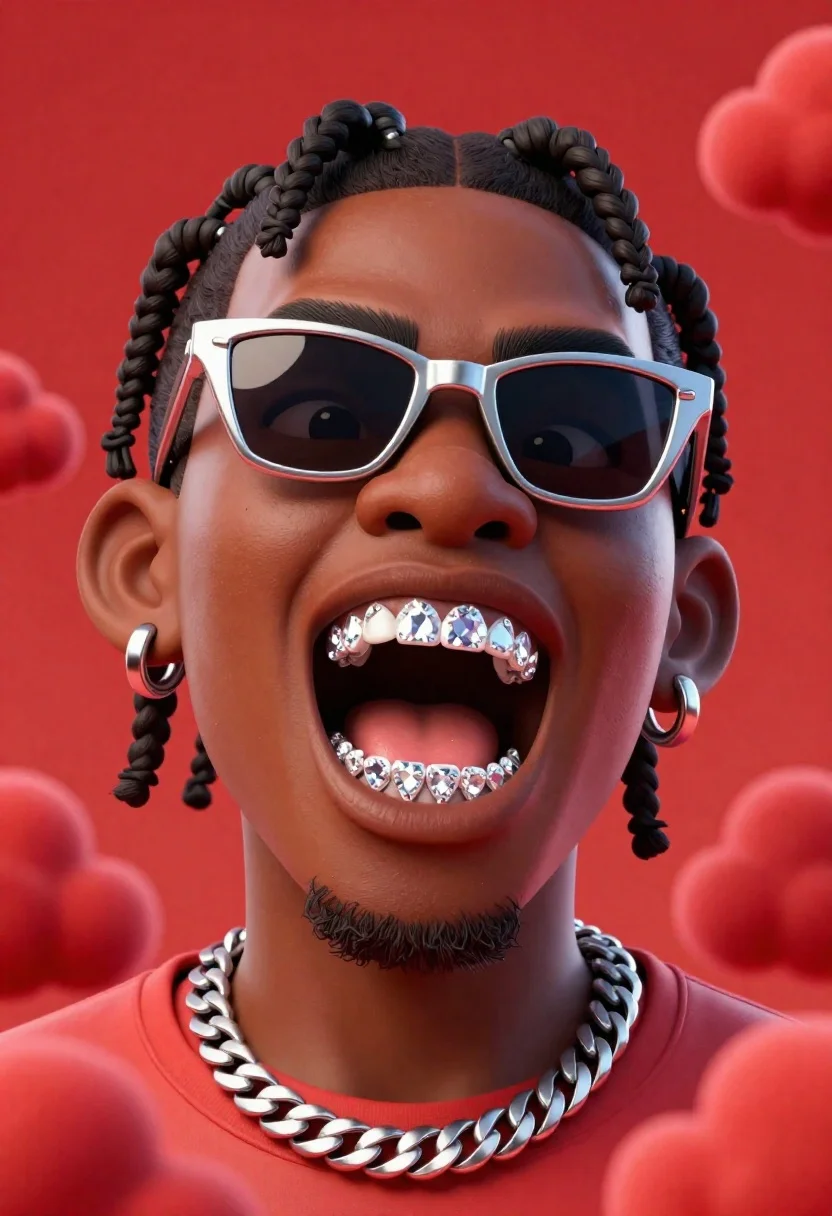
Hyper realistic 3d caricature of black male with braided hair shouting against
Prompt
A hyper-realistic 3D caricature of a Black male with exaggerated facial features, styled braided hair, and an intense expression against a vibrant red background.

Subject: A stylized 3D portrait of a Black man with deep skin tones, prominent cheekbones, and a muscular jawline. He has short braided hair pulled back from his forehead, thick dark eyebrows, and a small goatee. His mouth is open in a shout or grimace, revealing large, sparkling diamond grillz on his upper teeth.

Clothing: The subject wears silver geometric cat-eye sunglasses with reflective lenses. A thick, heavy silver Cuban link chain necklace rests around his neck. He has multiple silver hoop earrings in both ears.

Action: The figure is captured in a dynamic pose with his head tilted slightly upward and to the side, mouth wide open as if shouting or rapping, conveying high energy and intensity.

Environment: The background is a solid, saturated red field filled with soft, billowing cloud-like textures that add depth without distracting from the main subject.

Camera: A tight close-up shot focusing on the head and shoulders, utilizing a shallow depth of field to keep the face sharp while slightly blurring the red clouds in the distance.

Lighting: Dramatic studio lighting highlights the glossy texture of the skin and the metallic shine of the jewelry, with soft shadows defining the facial structure against the bright red backdrop.

Style Details: The image features a polished 3D render style with smooth surfaces, high contrast, and vibrant saturation, resembling a high-end digital illustration or a character from a video game.
Description
This prompt is useful for creating album art covers, promotional character portraits for music videos, and stylized editorial illustrations for streetwear magazines. The combination of 'dramatic studio lighting' and the 'solid, saturated red field' ensures that the metallic shine of the jewelry and the exaggerated features remain hyper-visible, preventing the high contrast from washing out the skin tones or making the background feel flat.
Suggestions
- Change 'vibrant red background' to 'deep crimson background' for a richer tone.
- Swap 'diamond grillz' for 'gold grillz' if you want a different metallic accent.
- Adjust 'shallow depth of field' to 'deep focus' if you want more detail in the clouds.
Category
Tags
3dClose UpMaleOutdoors
Date added
June 26, 2026
Added by
PromptDexter Team
Related Prompts
More prompts with similar categories and tags.
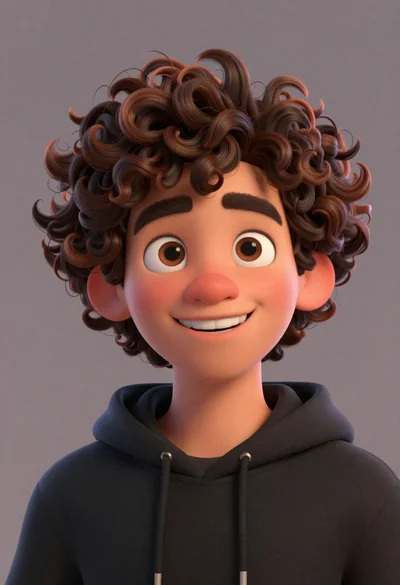
Close up portrait of cheerful young man with curly brown hair
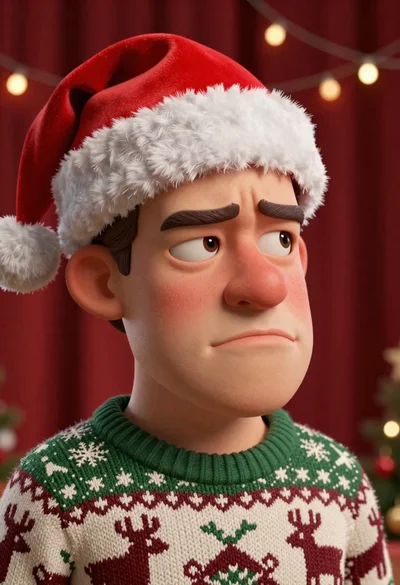
Close up portrait of caricatured man in santa hat and sweater
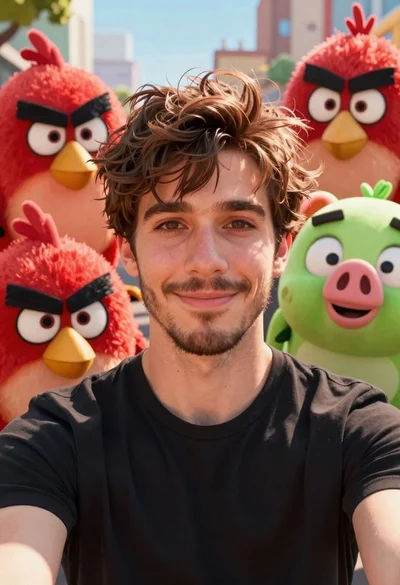
Young man smiling selfie surrounded by colorful angry birds characters
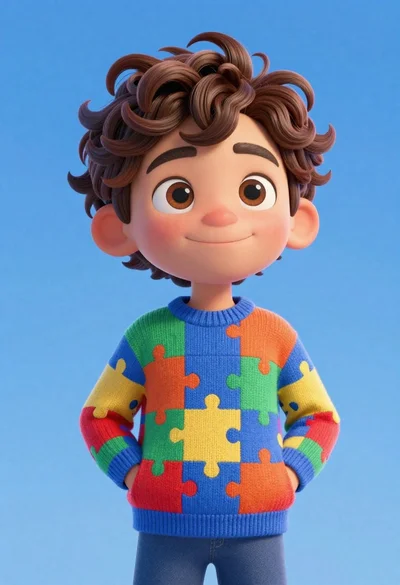
Cheerful young boy in colorful puzzle sweater standing against blue background
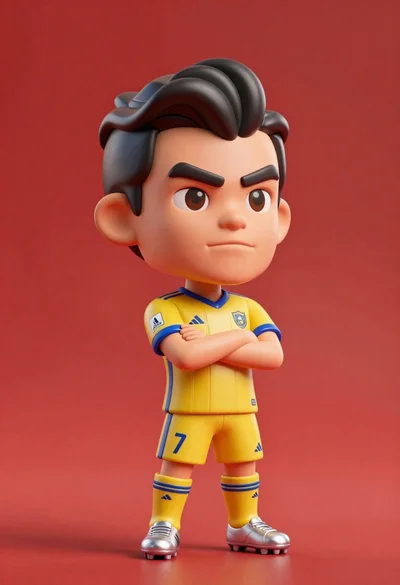
Stylized bobblehead soccer player in yellow jersey standing confidently against red background
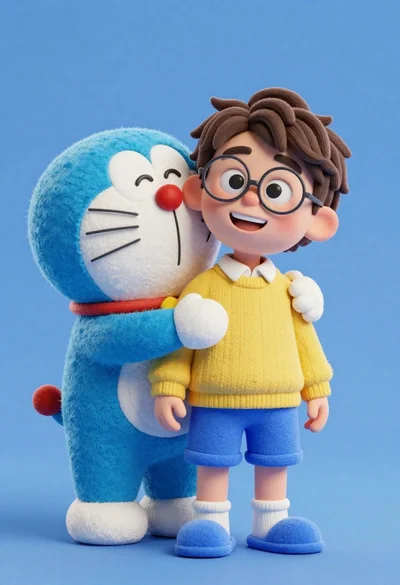
Young boy in yellow sweater hugged by blue robotic cat on blue
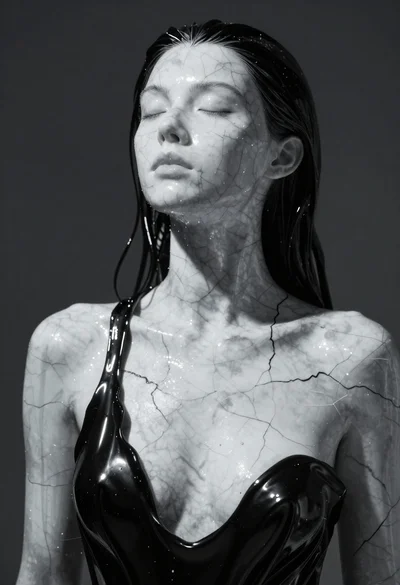
Closeup portrait of woman with white marble skin and glossy black liquid

Romantic portrait of smiling couple embracing outdoors in soft golden light