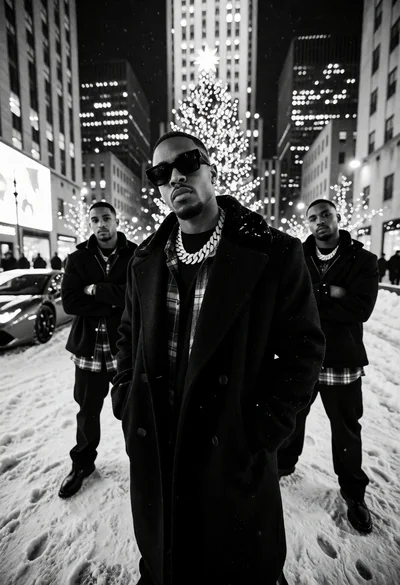
Low angle black and white photograph of men in coats on snowy
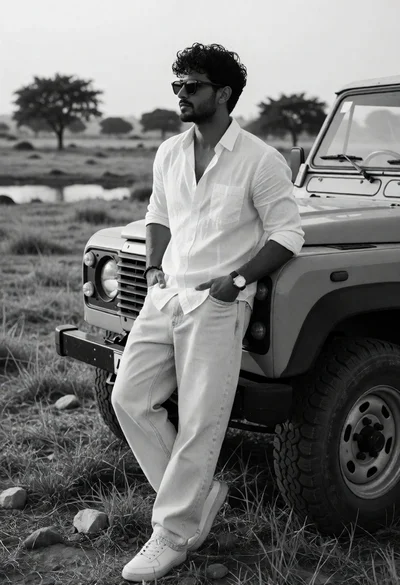
Man leaning against rugged offroad vehicle in open grassy field
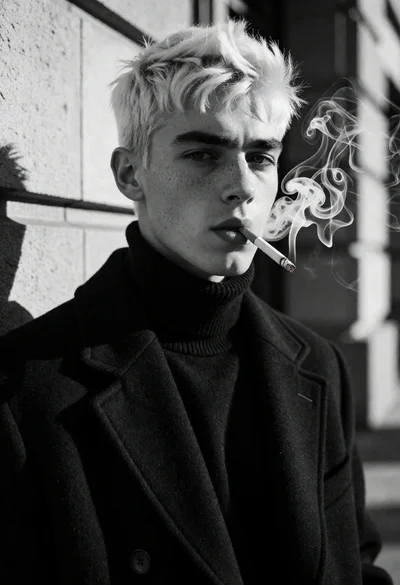
Black and white portrait of young man with platinum blonde hair smoking
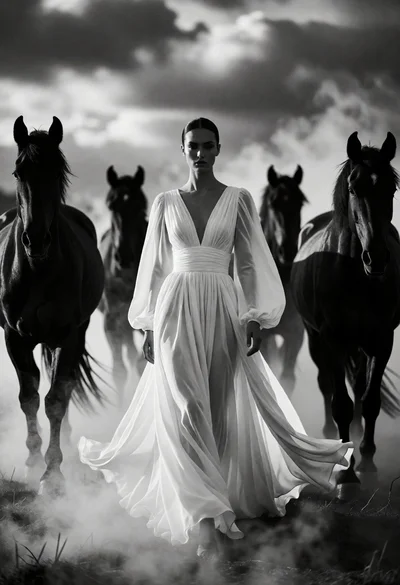
Woman in white gown centered among four dark horses emerging from mist
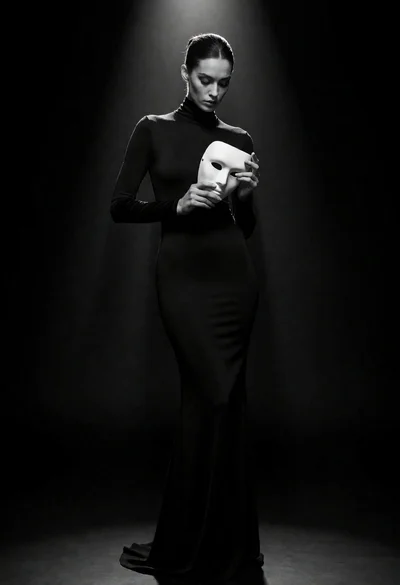
Full body portrait of woman holding white mask in dark void spotlight
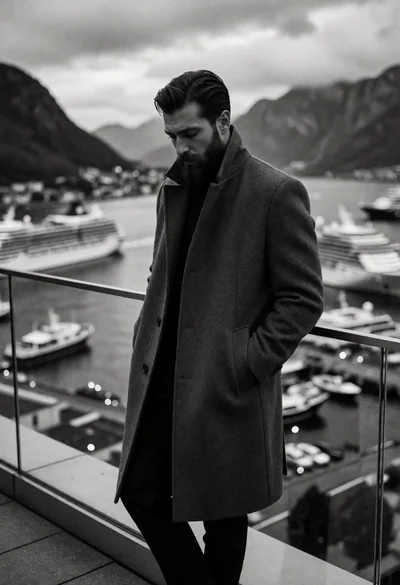
Bearded man in wool overcoat overlooking harbor bay and mountains
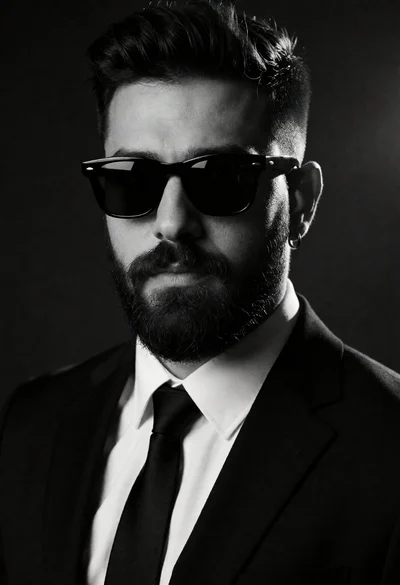
High contrast black and white portrait of man in suit with beard
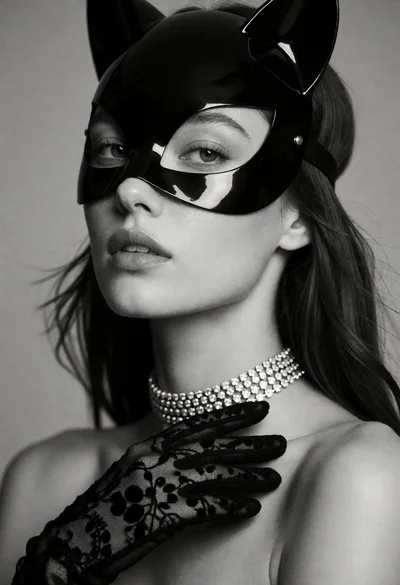
Black and white studio portrait of woman with cat mask and diamond
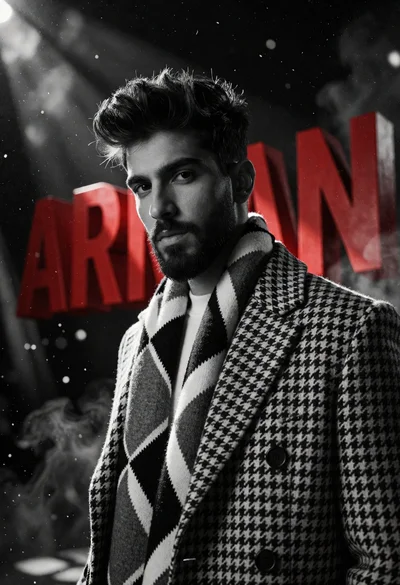
Dramatic portrait of young man near large red 3d letters spelling arman
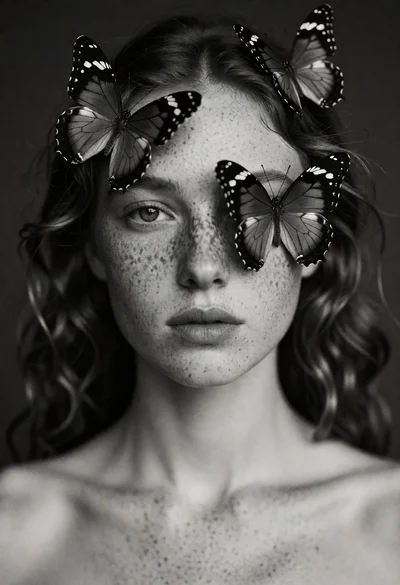
Black and white portrait of young woman with butterflies on her head
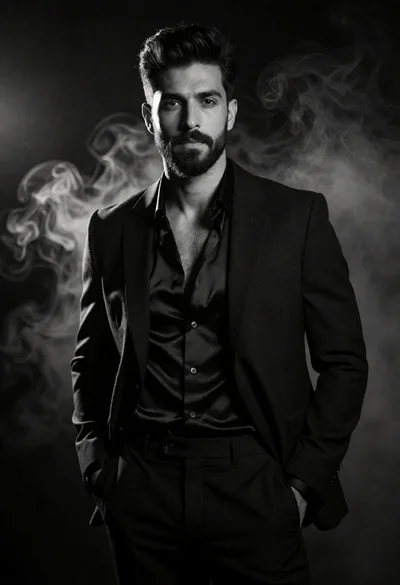
Portrait of a man in a black suit jacket amidst smoky studio
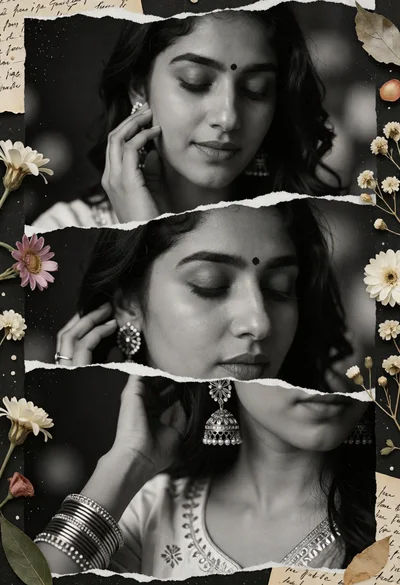
Black and white collage portrait of womans face with floral elements
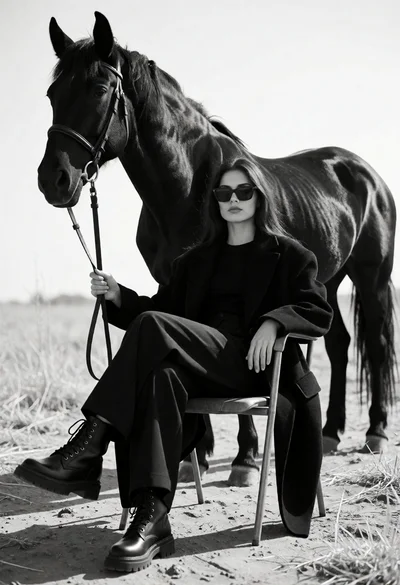
Monochrome portrait of woman seated near a black horse in an open
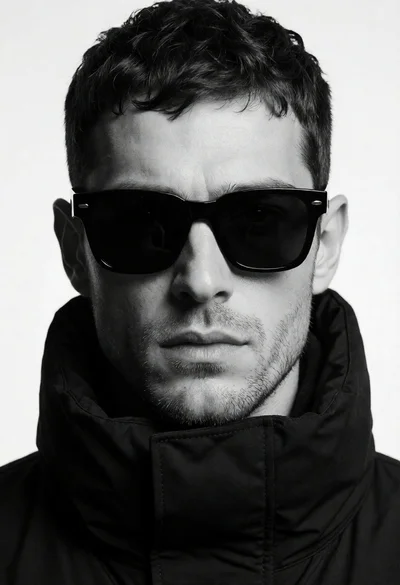
High contrast black and white portrait of man in jacket against white
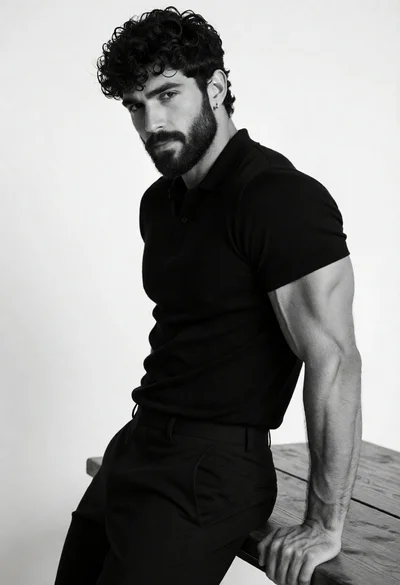
Black and white portrait of muscular man leaning on wooden surface
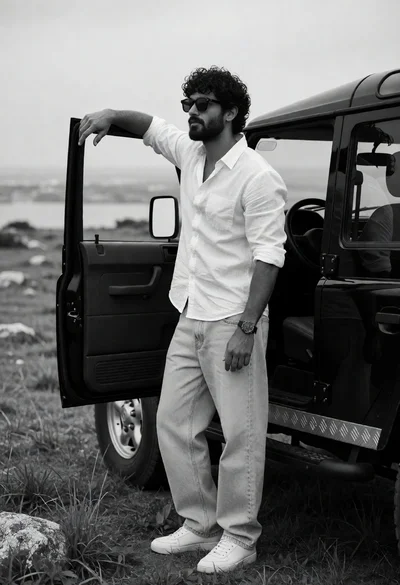
Man leaning on open suv door in rugged field under overcast sky
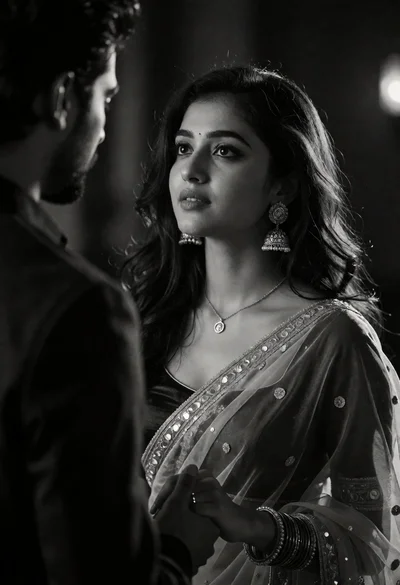
Cinematic black and white portrait of woman gazing at man from over
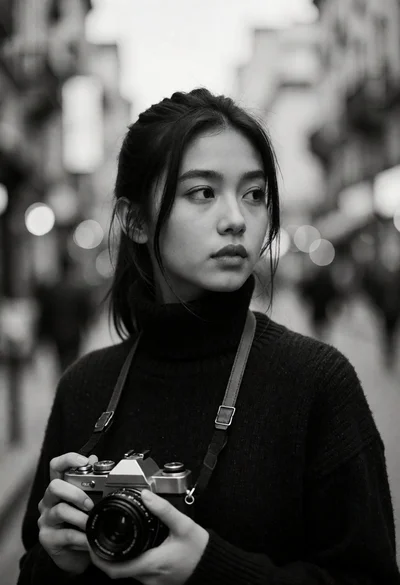
Young woman in turtleneck holding camera on a blurred urban street
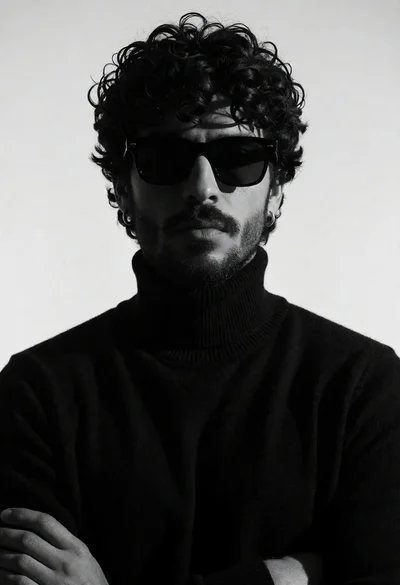
Moody portrait of man with dark curly hair in turtleneck against light
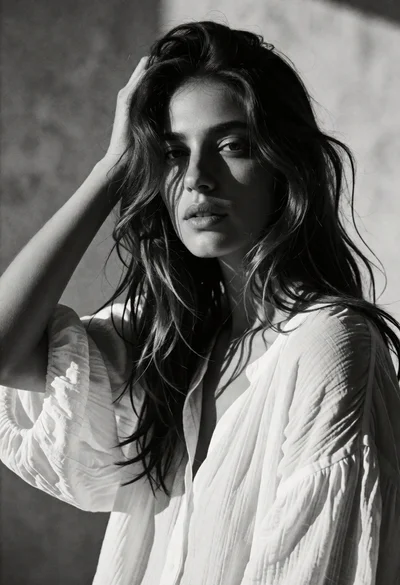
Black and white portrait of woman with tousled dark wavy hair
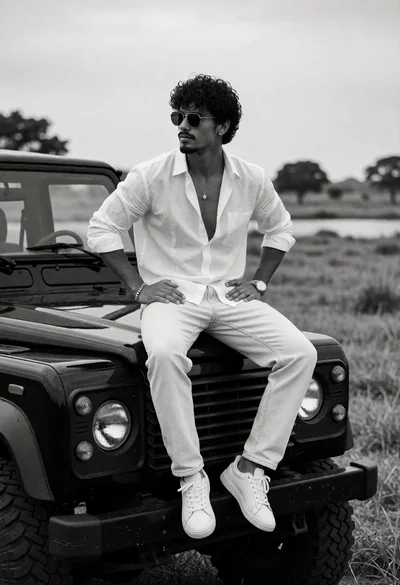
Man sitting on black suv hood in rural landscape under overcast sky
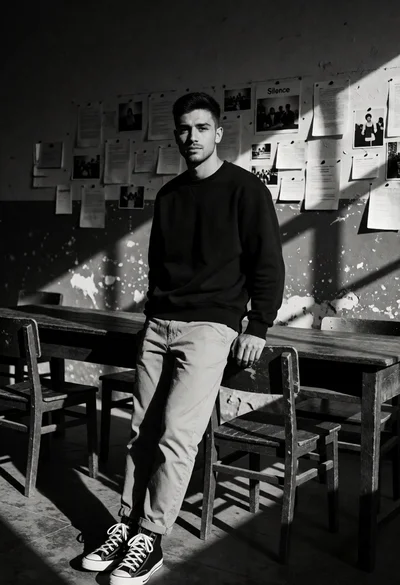
Black and white portrait of man leaning on wooden desk in dimly
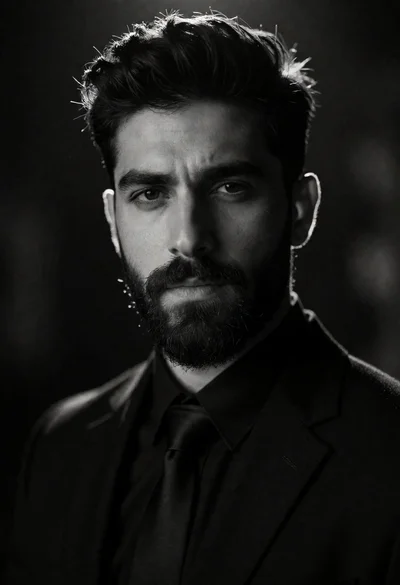
High contrast black and white portrait of man with beard and suit
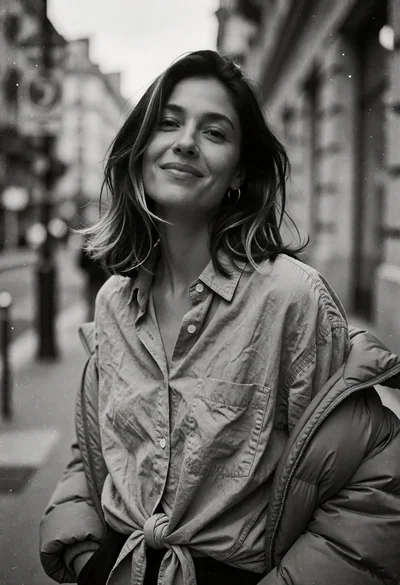
Black and white street portrait of woman on urban sidewalk with natural
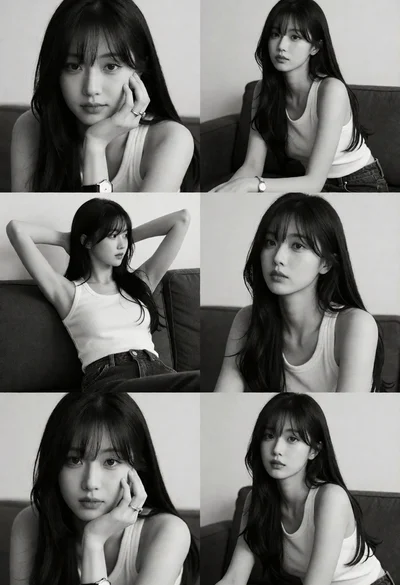
Collage of six black and white portraits featuring young woman with dark
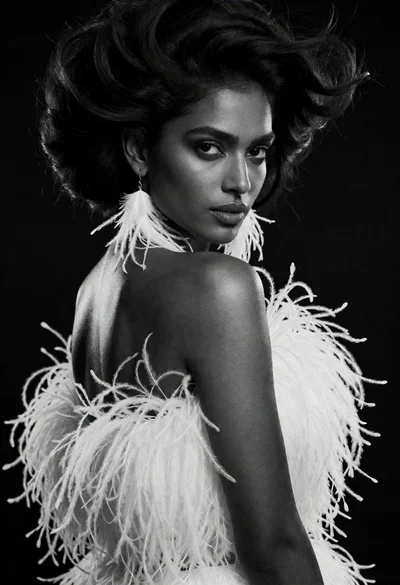
Dramatic black and white portrait of woman in feathers looking over shoulder
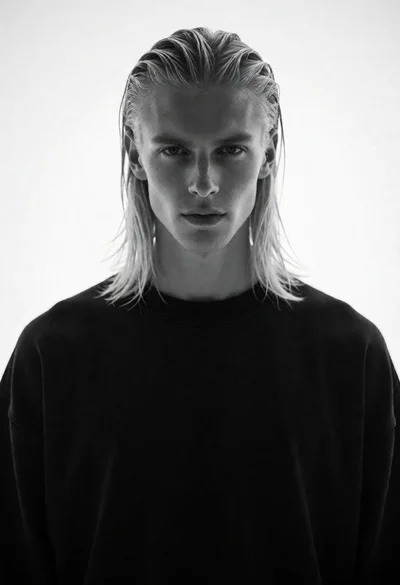
High contrast black and white portrait of man with blonde hair
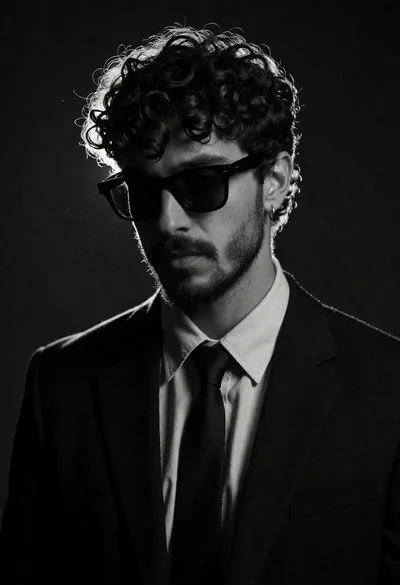
Man in dark suit jacket standing against void background black and white
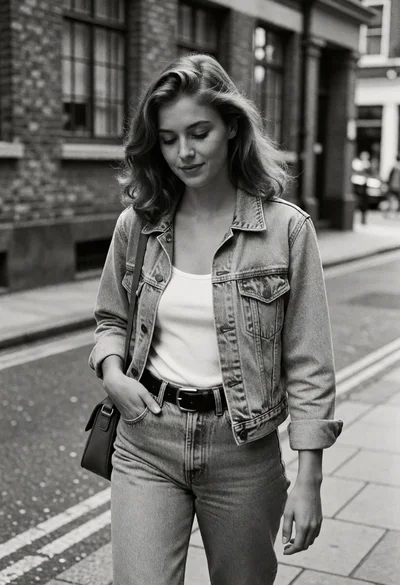
Black and white street portrait of young woman walking down urban sidewalk
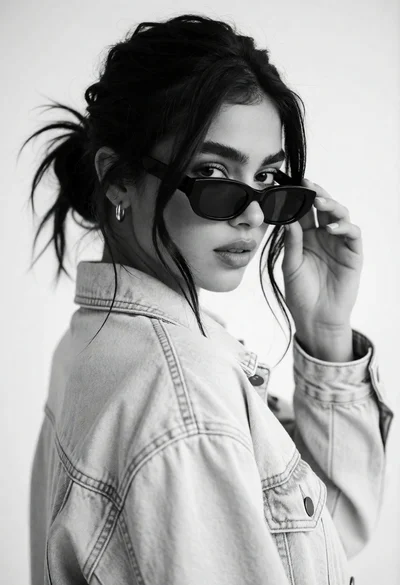
Medium closeup black and white portrait of woman adjusting sunglasses in studio
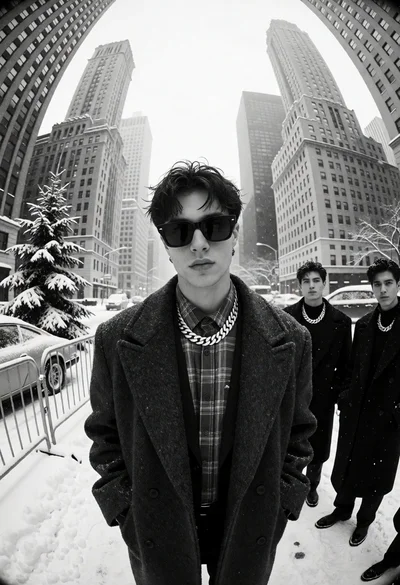
Black and white photograph of men on a snowy city street with
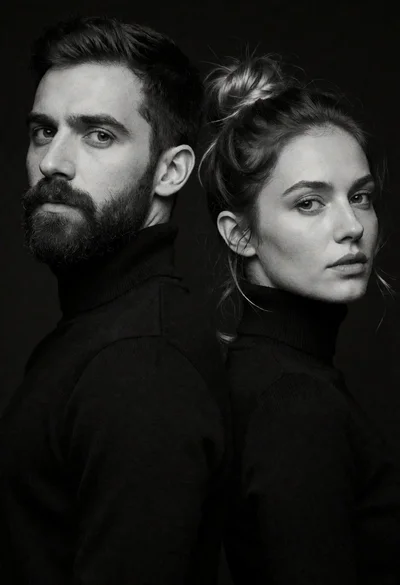
High contrast black and white portrait of man and woman back to
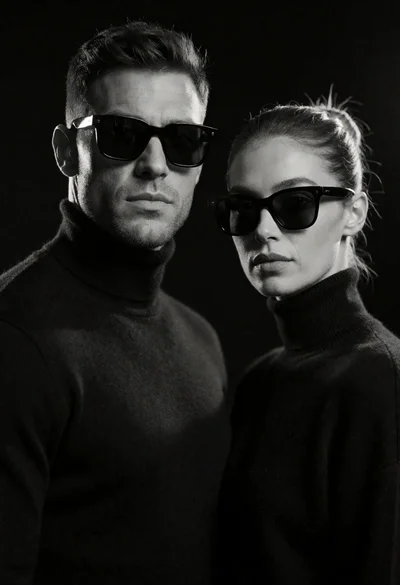
High contrast black and white studio portrait of man and woman
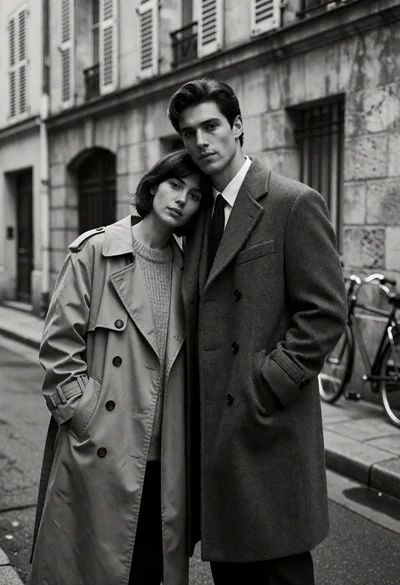
Couple in trench coats on a narrow paved alleyway street
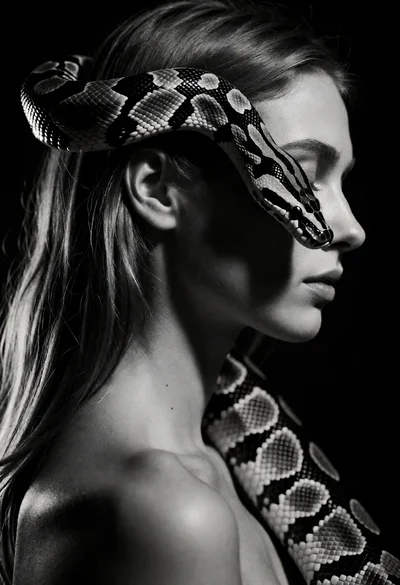
High contrast black and white portrait of woman with coiled patterned snake
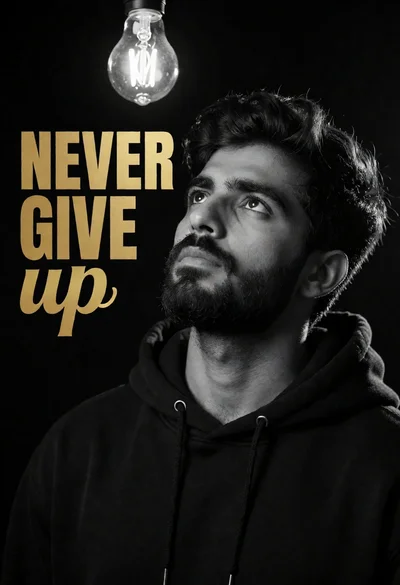
Medium close up portrait of man looking at hanging light bulb against
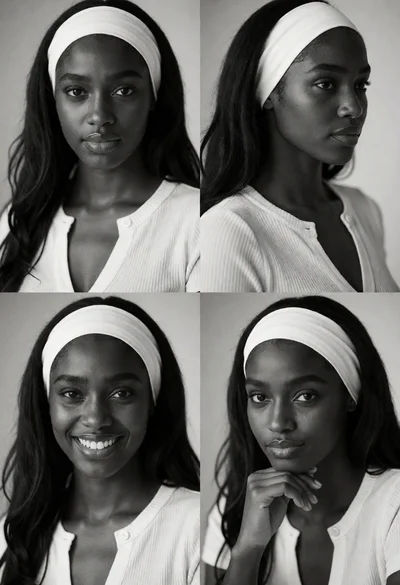
Black and white collage of four portrait panels featuring dark skinned young
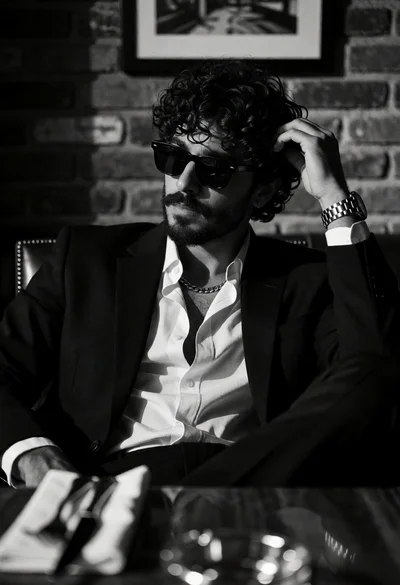
Man in black suit sitting at table against brick wall high contrast
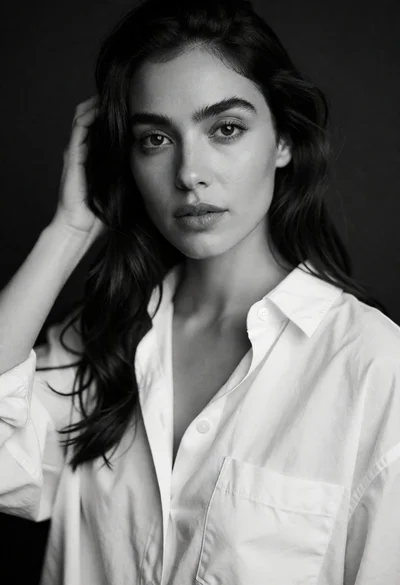
Black and white portrait of woman touching dark hair in studio setting
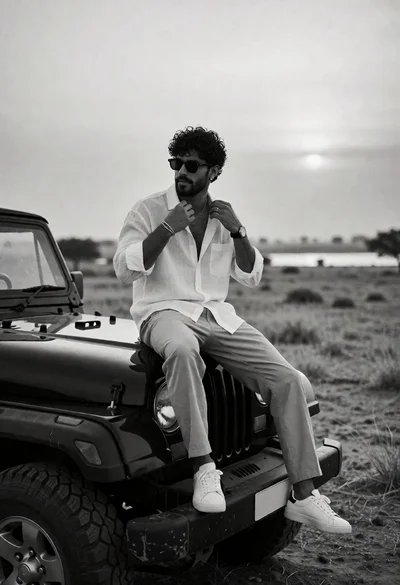
Man adjusting collar on rugged suv in arid landscape under overcast sky
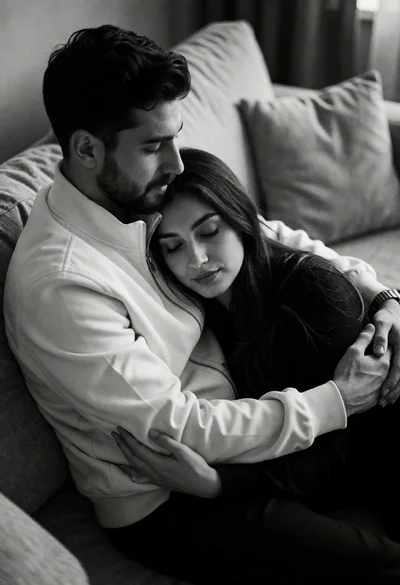
Black and white photograph of embracing couple seated on textured sofa
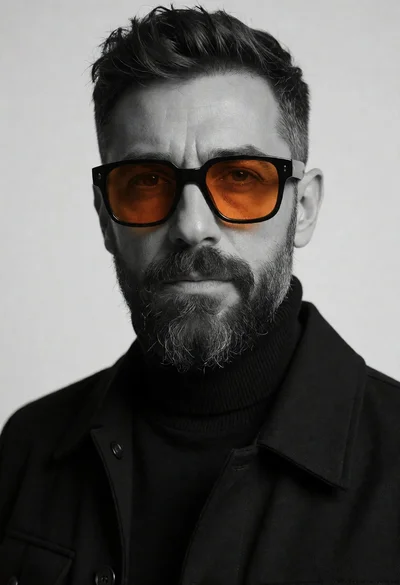
Close up portrait of a bearded man wearing large orange sunglasses studio
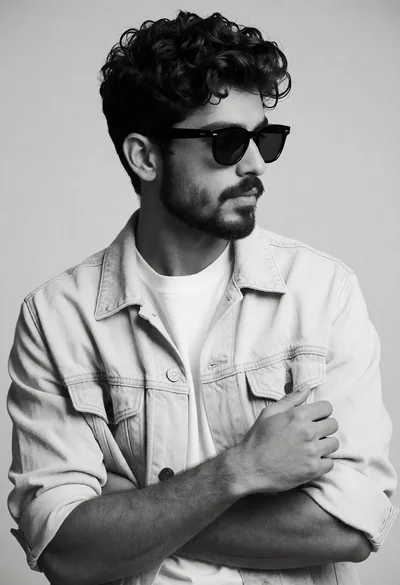
Black and white portrait of young man in denim jacket against gray
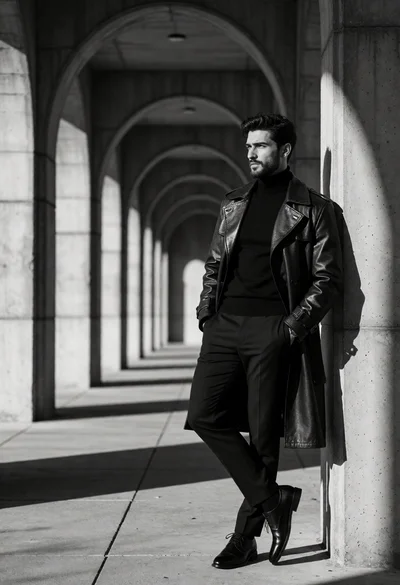
Black and white photograph of stylish man in trench coat against arched
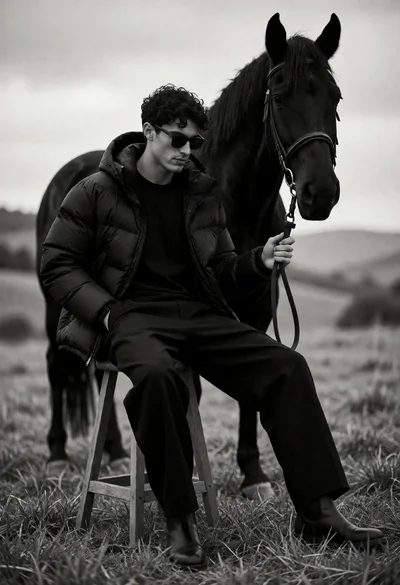
Man seated on stool with black horse in open grassy field
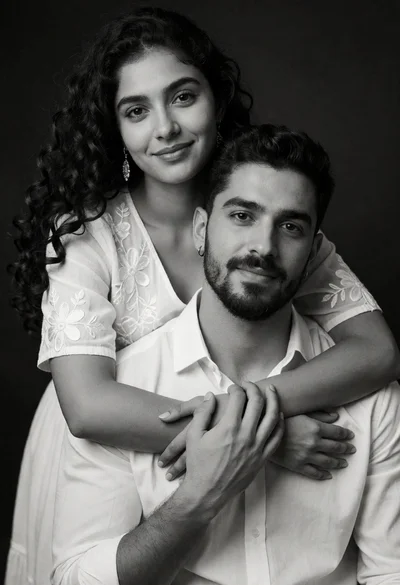
Black and white medium closeup portrait of an embracing couple
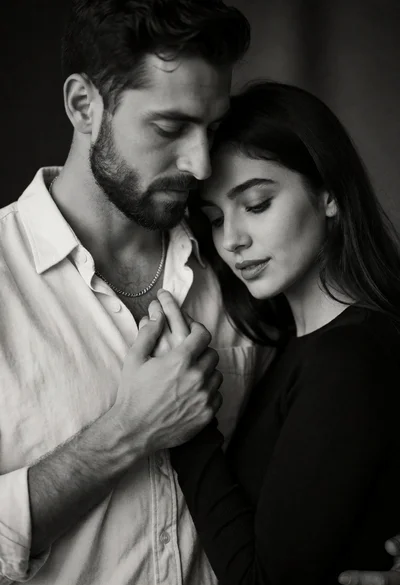
Black and white medium close up portrait of an embracing couple
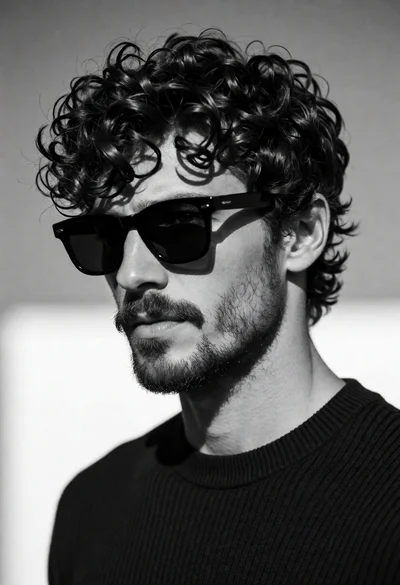
Black and white closeup portrait of man with dark curly hair