
Cheerful child in red jacket stands in snowy ancient street with red
Prompt
A cheerful young child stands in the center of a narrow, snow-covered ancient street lined with traditional wooden buildings and glowing red lanterns.

Subject: A happy young child with short dark hair, wide expressive eyes, and a bright smile wearing a festive lion dance hat with white fur trim and colorful ornaments.

Clothing: The child wears a puffy red winter jacket featuring golden floral embroidery on the chest and sleeves, black cargo pants with multiple pockets, and chunky red sneakers with thick soles.

Action: The child stands facing forward with hands tucked into the jacket pockets, looking directly at the viewer with an inviting expression.

Environment: A narrow cobblestone alleyway blanketed in snow, flanked by traditional wooden architecture with intricate details, under a dark blue night sky filled with falling snowflakes and hanging red lanterns.

Lighting: Warm ambient light emanates from numerous glowing red paper lanterns strung overhead and attached to buildings, casting a soft golden glow on the child and creating gentle shadows on the snowy ground.

Camera: A medium full-body shot centered on the child, with a shallow depth of field that softly blurs the background architecture and distant lanterns to emphasize the subject.

Style Details: High-quality 3D animated render with vibrant colors, soft cinematic lighting, detailed textures on clothing and snow, and a magical festive atmosphere reminiscent of New Year celebrations.
Description
This prompt is useful for creating holiday advertisement concepts, stylized character portraits for children's media, and immersive virtual reality scene backdrops. The combination of 'warm ambient light' from the 'glowing red lanterns' against a 'dark blue night sky' establishes a magical festive atmosphere that draws focus to the child, while the 'shallow depth of field' ensures the intricate details of the subject remain sharp despite the busy background architecture.
Suggestions
- Change 'puffy red winter jacket' to 'velvet red jacket' for a richer material feel.
- Swap 'golden floral embroidery' for 'gold geometric patterns' to modernize the look.
- Adjust 'dark blue night sky' to 'deep indigo twilight' for softer ambient light.
Category
Tags
3dAlleyFemaleFull BodyMedium ShotTraditional Wear
Date added
July 3, 2026
Added by
PromptDexter Team
Related Prompts
More prompts with similar categories and tags.

Cheerful young girl in red traditional clothing at chinese new year street
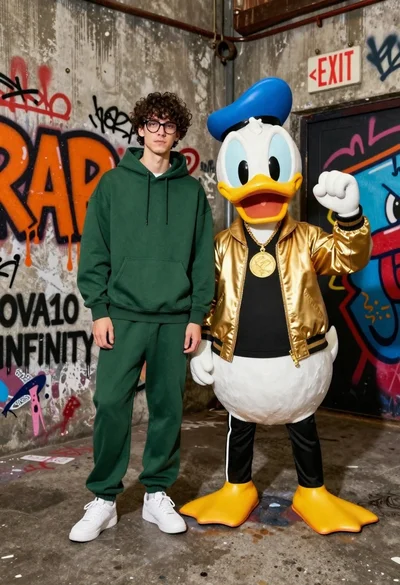
Young man in hoodie next to donald duck mascot in graffiti alleyway

Woman in police uniform stands with fox wearing shirt against white studio
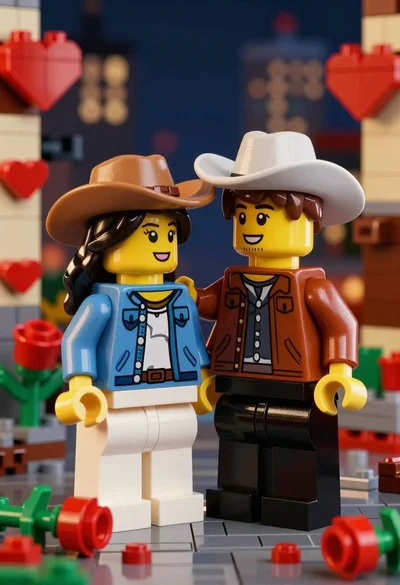
Two lego minifigures holding hands in a romantic nighttime city scene

Three animated characters standing together against a solid blue background

Stylized funko pop figure of dragon tamer holding small green dragon

Full body studio shot of woman standing between large mario and luigi
Young woman standing confidently between two large sonic the hedgehog characters

Full body studio shot of woman and anthropomorphic fox character
Chibi girl in grey pinstriped school uniform holding black umbrella against white