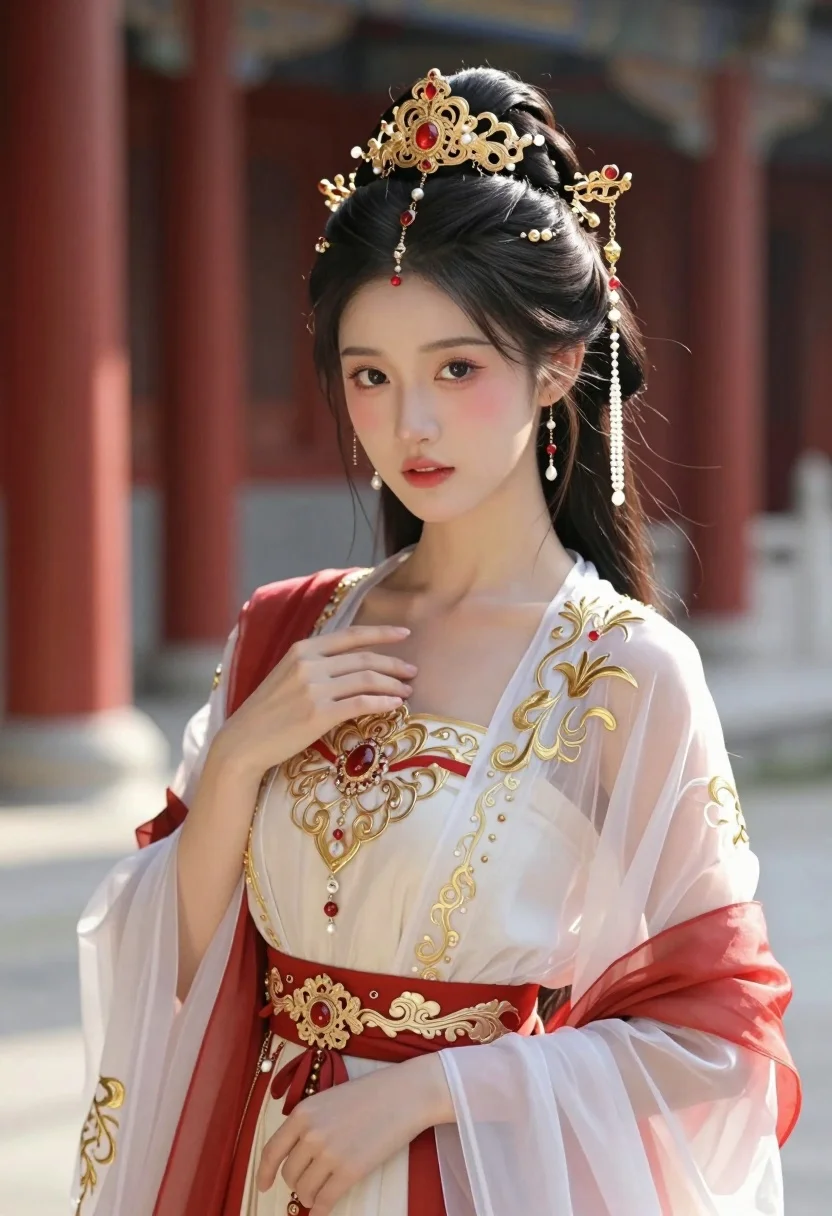
Hyperrealistic portrait of woman in white gown with gold crown
Prompt
A young woman with dark hair styled in an elaborate updo adorned with a golden crown featuring red gemstones and dangling pearl chains.

Subject: A beautiful young woman with fair skin, large expressive eyes, and soft makeup featuring rosy cheeks and lips. Her long dark hair is intricately arranged into a high bun decorated with ornate gold jewelry.

Clothing: She wears an elegant traditional gown consisting of a sheer white outer robe embroidered with intricate golden patterns over a cream-colored underdress. The outfit includes a wide red sash around the waist embellished with gold filigree and a central red jewel, along with flowing red fabric draped across her shoulders.

Action: Her expression is calm and serene as she gazes directly at the viewer. One hand gently touches the neckline of her dress while the other rests near her hip in a poised posture.

Environment: The background shows a blurred architectural setting with tall red pillars suggesting an ancient palace or temple courtyard, bathed in warm ambient light.

Camera: A medium close-up shot focusing on the upper body with a shallow depth of field that softly blurs the background to emphasize the subject's detailed features and attire.

Lighting: Soft natural sunlight illuminates her face from the front-right side creating gentle highlights on her skin and casting subtle shadows that enhance the texture of her clothing and jewelry.

Style Details: The image exhibits a hyper-realistic photo with high detail rendering, vibrant color saturation, and a cinematic composition reminiscent of high-end fashion photography or fantasy illustration.
Description
This prompt is useful for creating editorial costume concept art, historical portraiture moodboards, and luxury bridal lookbooks. The combination of 'soft natural sunlight' illuminating the face from the front-right side ensures that gentle highlights catch the 'golden crown' and skin texture, while the 'shallow depth of field' keeps focus tightly on the subject despite the detailed background elements.
Suggestions
- Change 'red gemstones' to 'sapphire gemstones' for a cooler color contrast.
- Swap 'sheer white outer robe' for 'velvet outer robe' to change the material feel.
- Adjust 'medium close-up shot' to 'full body shot' to better showcase the gown.
Category
Tags
Brown SkinFair SkinFemaleIndoorsPortrait ShotRealisticTraditional Wear
Date added
July 3, 2026
Added by
PromptDexter Team
Related Prompts
More prompts with similar categories and tags.
Woman in pink embroidered lehenga standing before a colorful mandala tapestry
Young woman in traditional attire sitting at restaurant table with warm lighting
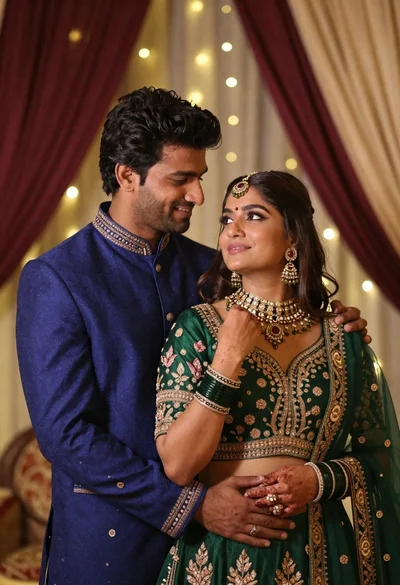
Indian couple in traditional wedding attire posing together in festive indoor setting
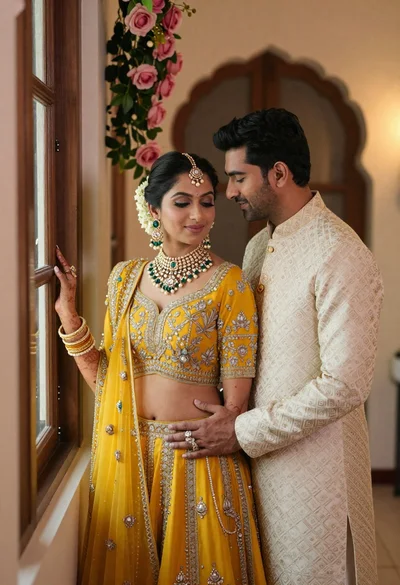
Indian couple in traditional wedding attire posing near a wooden window
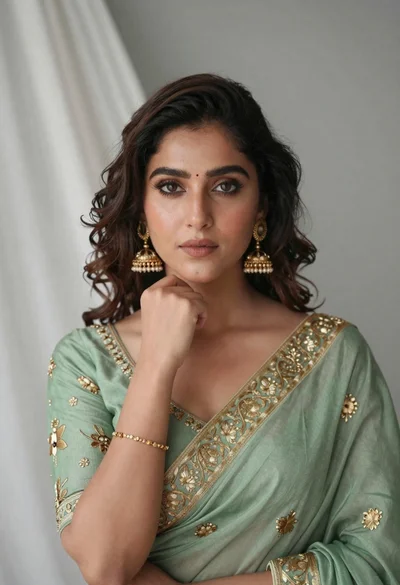
Portrait of young woman in sage green saree with gold embroidery
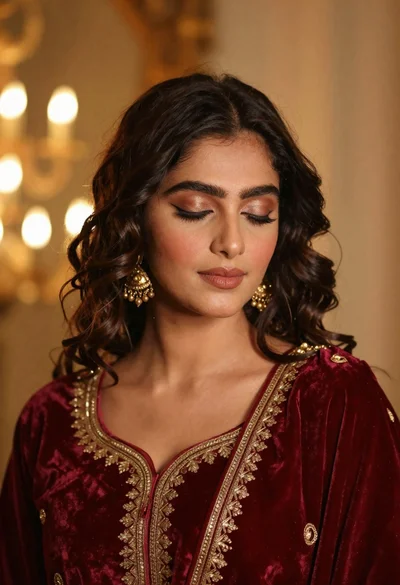
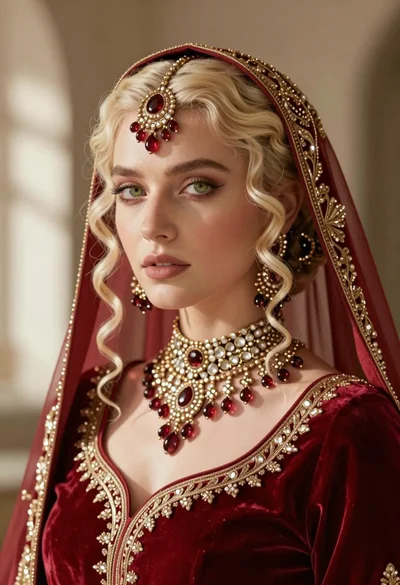
Portrait of young woman in red velvet dress with gold jewelry
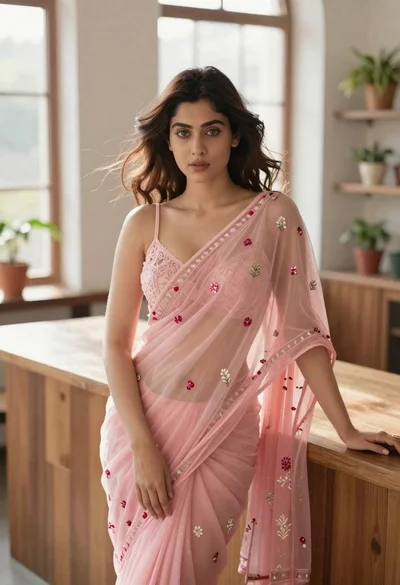
Young woman in pink saree leaning against counter in sunlit room
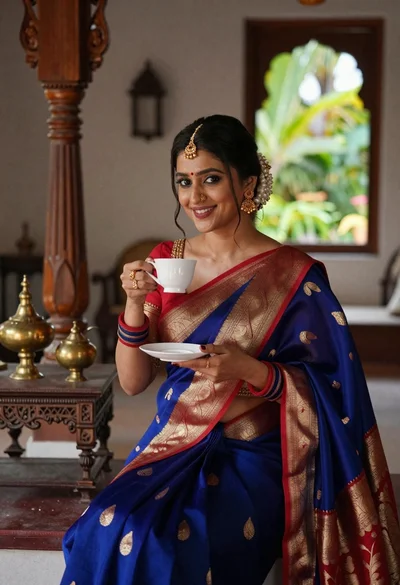
Smiling indian woman in blue silk saree holding a teacup indoors
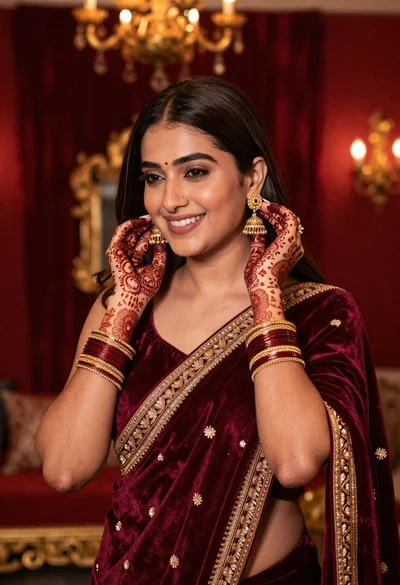
Smiling woman in maroon velvet saree touching gold earring indoors
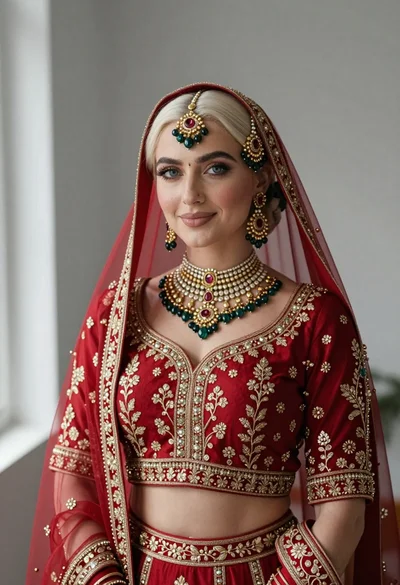
Portrait of fair woman in elaborate traditional indian bridal attire