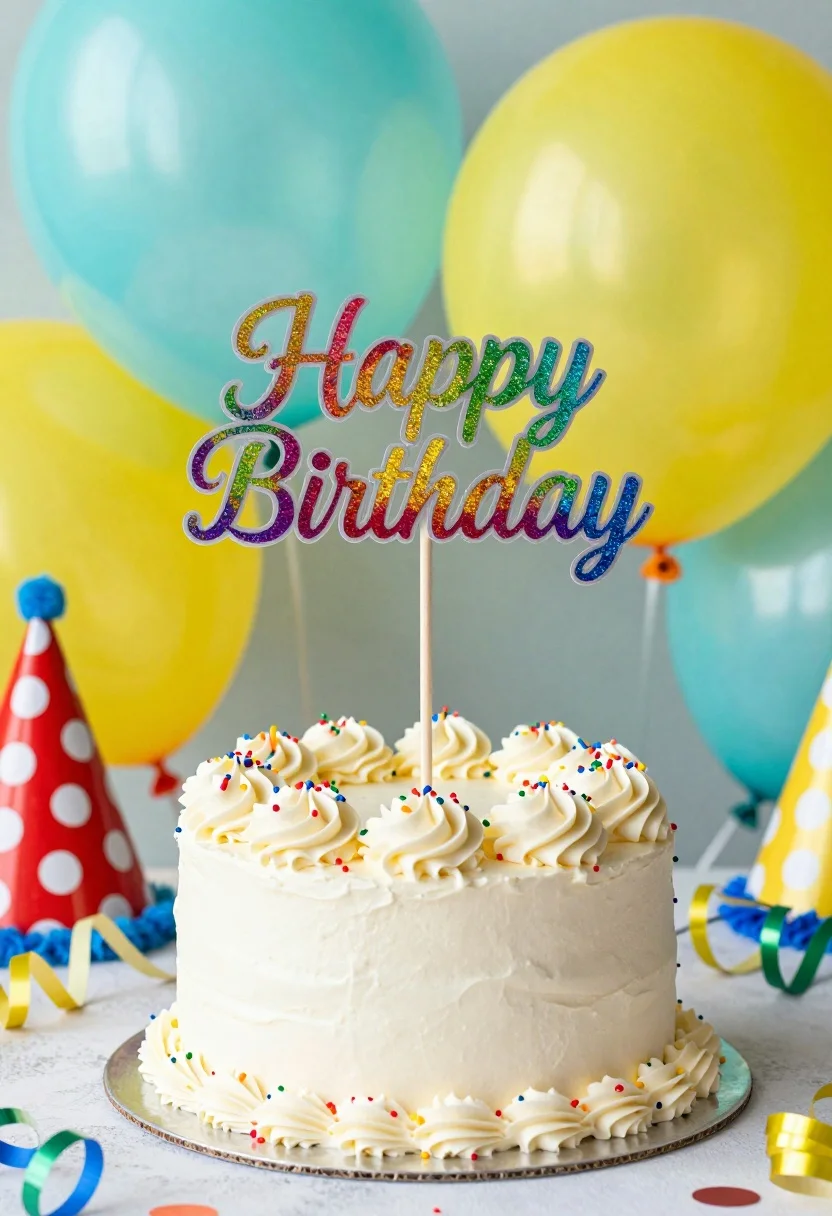
Close up view of white frosted birthday cake with rainbow glitter topper
Prompt
A festive birthday cake with a colorful glittery topper reading Happy Birthday stands in the center of the frame.

Subject: A round white frosted cake topped with piped swirls of buttercream and scattered multi-colored sprinkles, featuring a tall wooden stick holding a vibrant rainbow-glitter sign that spells out Happy Birthday.

Action: The scene is static with no movement, focusing entirely on the still life arrangement of the celebration centerpiece.

Environment: The cake sits on a silver platter surrounded by festive party decorations including large teal and yellow balloons in the background, a red polka-dot party hat to the left, and scattered metallic streamers and confetti on the surface.

Camera: A close-up eye-level shot with a shallow depth of field that keeps the cake sharp while softly blurring the colorful balloons behind it.

Lighting: Bright and even studio lighting illuminates the scene from the front, highlighting the texture of the frosting and the sparkle of the glitter without casting harsh shadows.

Style Details: High-resolution commercial photography with vibrant saturated colors and a clean, cheerful aesthetic typical of product or lifestyle food photography.
Description
This prompt is useful for creating e-commerce listings for baked goods, celebratory menu spreads, and festive holiday advertising campaigns. The combination of 'bright and even studio lighting' and the 'shallow depth of field' ensures that the cake remains the undisputed focal point by keeping it sharp while softening the background elements like the balloons, which prevents visual competition.
Suggestions
- Change 'silver platter' to 'marble surface' for a more upscale feel.
- Swap 'vibrant saturated colors' for 'pastel muted tones' for a softer aesthetic.
- Add 'macro lens perspective' to emphasize the sprinkles and frosting texture.
Category
Tags
Close UpFoodRealisticStudio
Date added
July 12, 2026
Added by
PromptDexter Team
Related Prompts
More prompts with similar categories and tags.
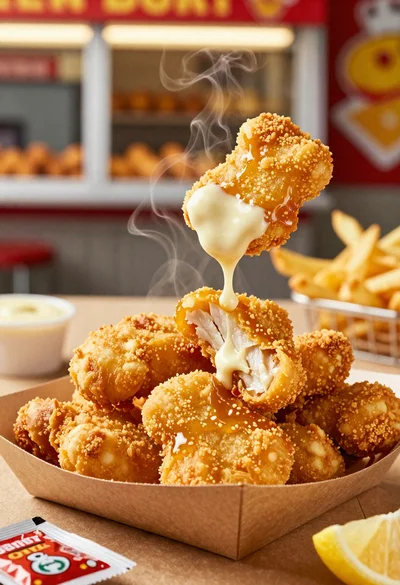
Close up of crispy chicken nuggets dipped in honey mustard sauce
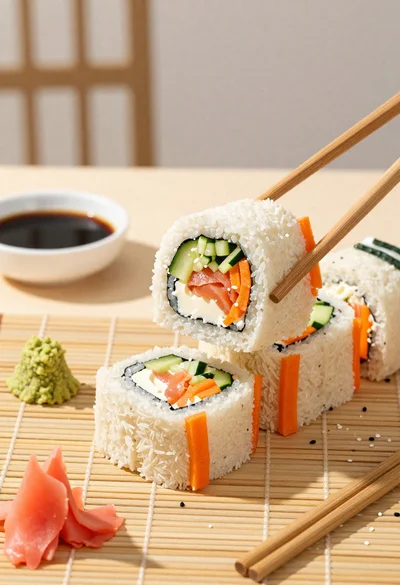
Close up overhead view of bread sushi rolls with colorful fillings
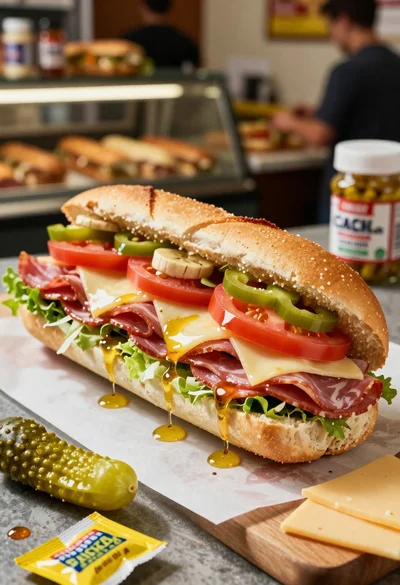
Close up of layered italian hoagie sandwich on butcher paper
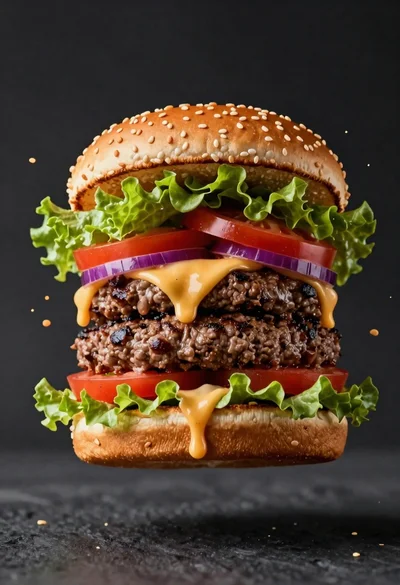
Hyperrealistic close up of a double patty burger mid air
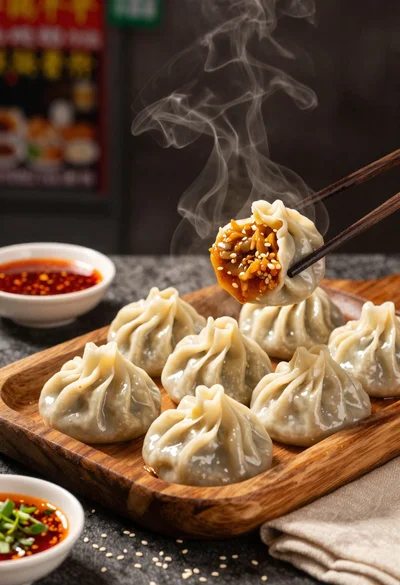
Close up view of steamed momos on rustic wooden tray with dipping
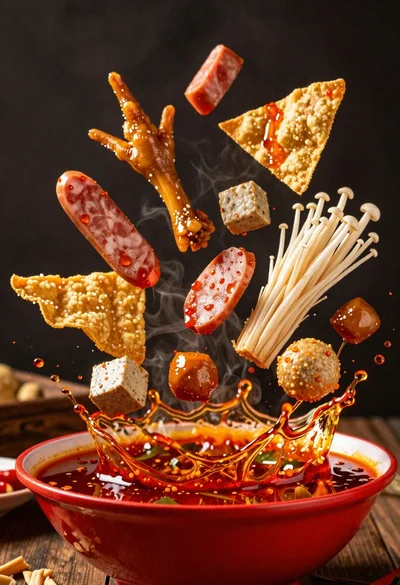
Spicy hot pot ingredients exploding from a red bowl in midair
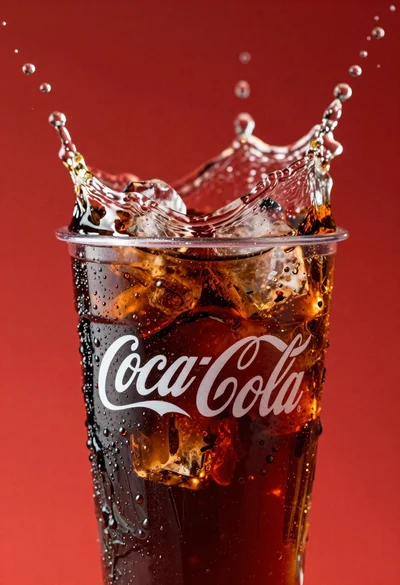
Refreshing coca cola glass with ice cubes splashing against red background
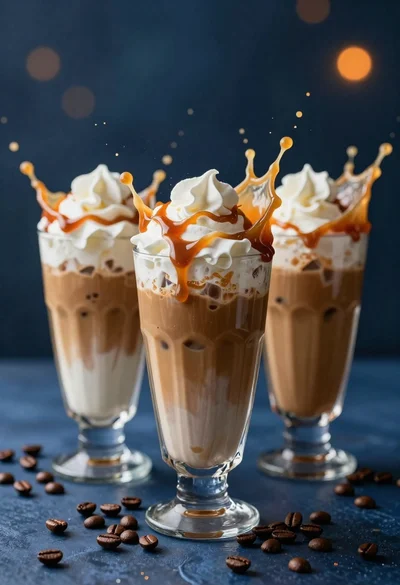
Three tall glasses of iced coffee with whipped cream and caramel drizzle
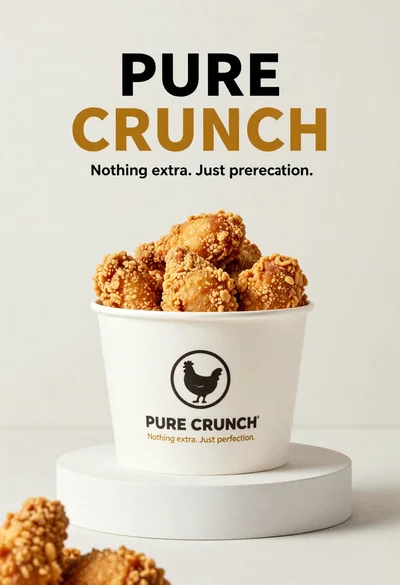
White paper bucket overflowing with fried chicken pieces in studio
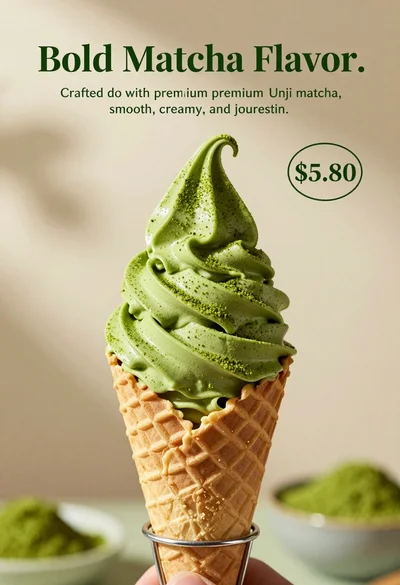
Close up shot of matcha soft serve ice cream in waffle cone